

Self-host with Raspberry Pi and cut subscription costs
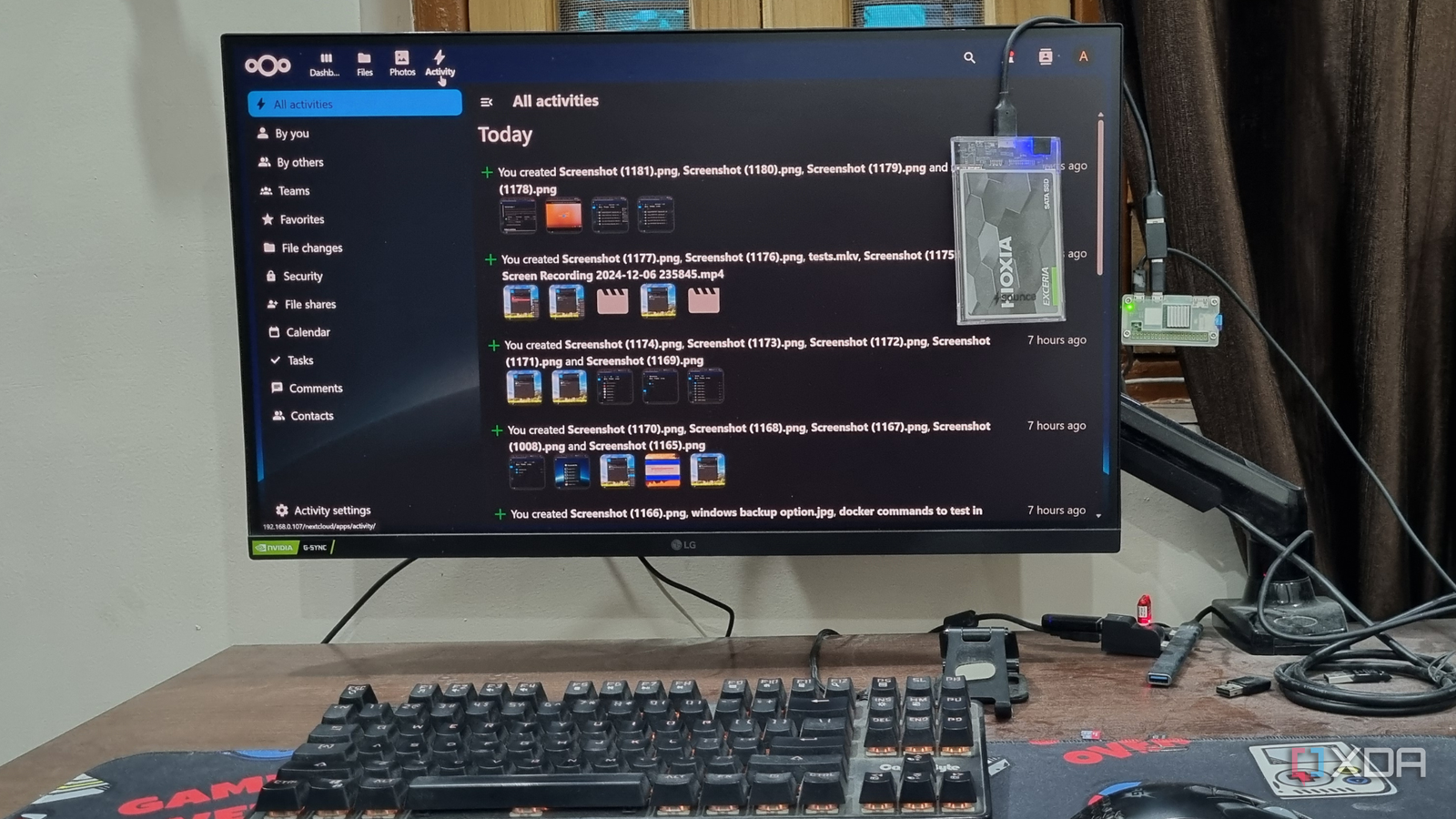
Tiny yet powerful, a Raspberry Pi can run multiple tools without draining power or your wallet. Instead of paying monthly for cloud services, many users are turning to self-hosted alternatives on this credit-card-sized computer. From file storage to media streaming, it’s a cost-effective way to regain control over your digital life.
A growing trend with real benefits
Self-hosting on Raspberry Pi isn’t about replacing a full desktop PC. It’s about running lightweight, focused services that handle specific tasks—often replacing popular paid platforms. Whether it’s a note-taking app, a password manager, or a personal cloud, the hardware is more than capable of handling the load. Users cite cost savings, data privacy, and customization as key reasons for making the switch.
Practical options for everyday use
File storage and backup solutions top the list of popular self-hosted projects. Tools like Nextcloud or Syncthing let users sync and access files across devices without relying on third-party servers. Media enthusiasts often set up Plex or Jellyfin to stream their libraries at home. Even productivity tools like a personal wiki or a Kanban board can run locally, reducing dependence on external services.
The beauty of Raspberry Pi lies in its flexibility. Once set up, these self-hosted tools operate quietly in the background, delivering the same—or better—functionality than their paid counterparts. For those willing to invest a little time, the long-term savings and added control make it a compelling alternative to recurring subscriptions.
Source: XDA Developers. AI-assisted editorial synthesis — TechnoExpress.