

Automate your morning routine with a simple shell script
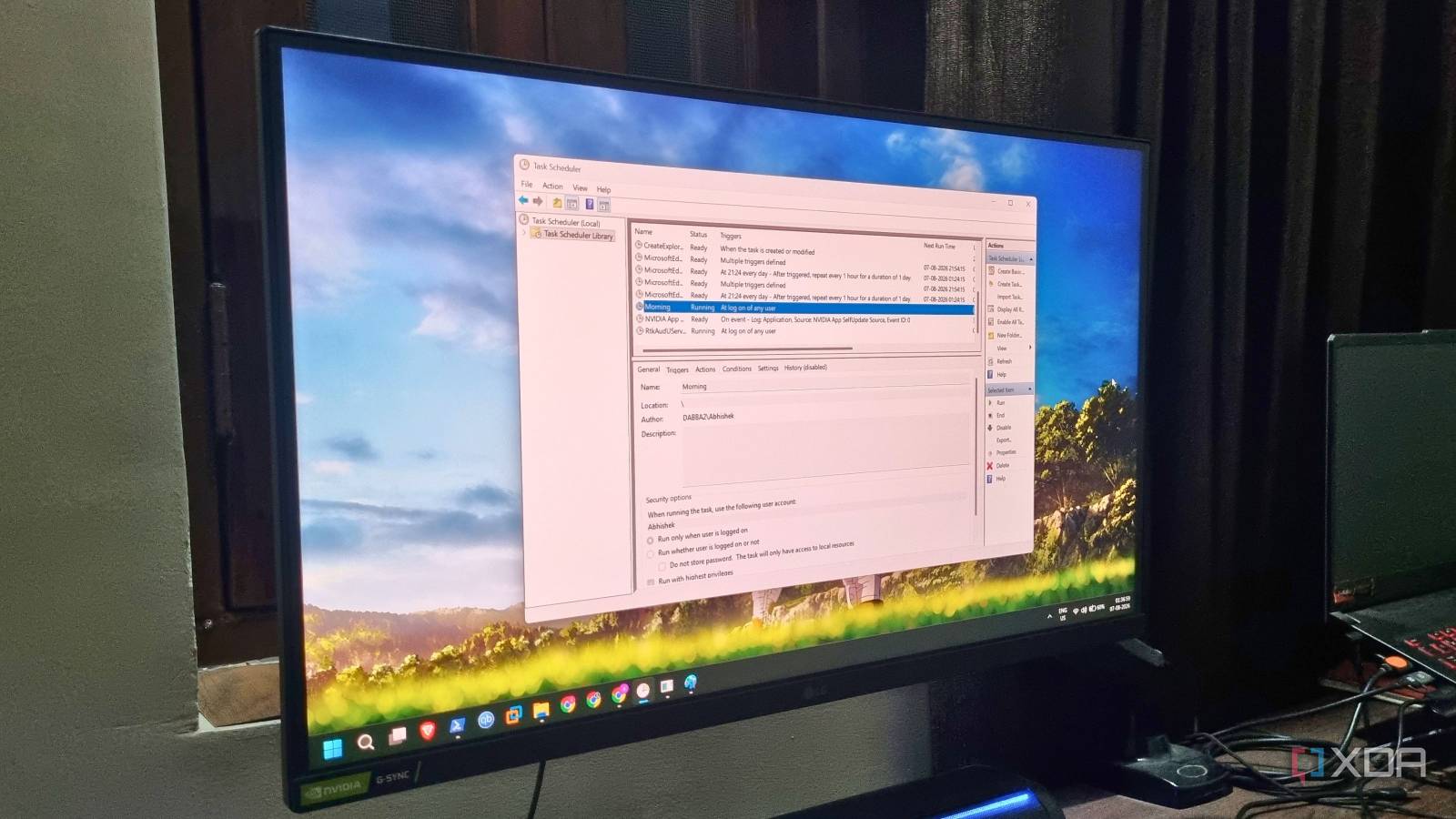
A single shell script can turn a cluttered Windows desktop into a productivity powerhouse—before the first coffee is poured. One user recently shared how automating a repetitive morning routine freed up mental space and cut unnecessary delays, turning a slow start into an instant workday launch.
## The power of routine automation
Every morning, the same digital routine unfolds: open apps, connect to servers, check emails. It’s a cycle of small, predictable steps that add up to lost minutes—time better spent on actual work. By scripting these actions, the user transformed a scattered workflow into a seamless process. Whether it’s launching a browser with specific tabs, mounting network drives, or syncing data, the script handles it all in seconds. No more manual clicks, no more forgotten steps. Just one command, and the laptop is ready to go.
## Not just for tech experts
You don’t need to be a developer to benefit from automation. Modern tools and open-source scripts make it accessible to anyone comfortable with basic commands. For Windows users, tools like PowerShell and Windows Terminal simplify the process, while Linux-based systems offer even more flexibility with shell scripts. The key is identifying repetitive tasks and replacing them with a single command. The result? Less friction, fewer distractions, and a calmer start to the day.
Why it matters
Automation isn’t about replacing human effort—it’s about removing friction from daily tasks. For professionals juggling multiple workflows, even small time savings add up over weeks and months. More importantly, it reduces decision fatigue early in the day, helping users start work with focus rather than frustration. The real win isn’t the script itself, but the mental clarity it creates: a smoother start leads to a more productive day.
Source: XDA Developers. AI-assisted editorial synthesis — TechnoExpress.