

How AI is turning Windows Event Viewer from noise into usable data
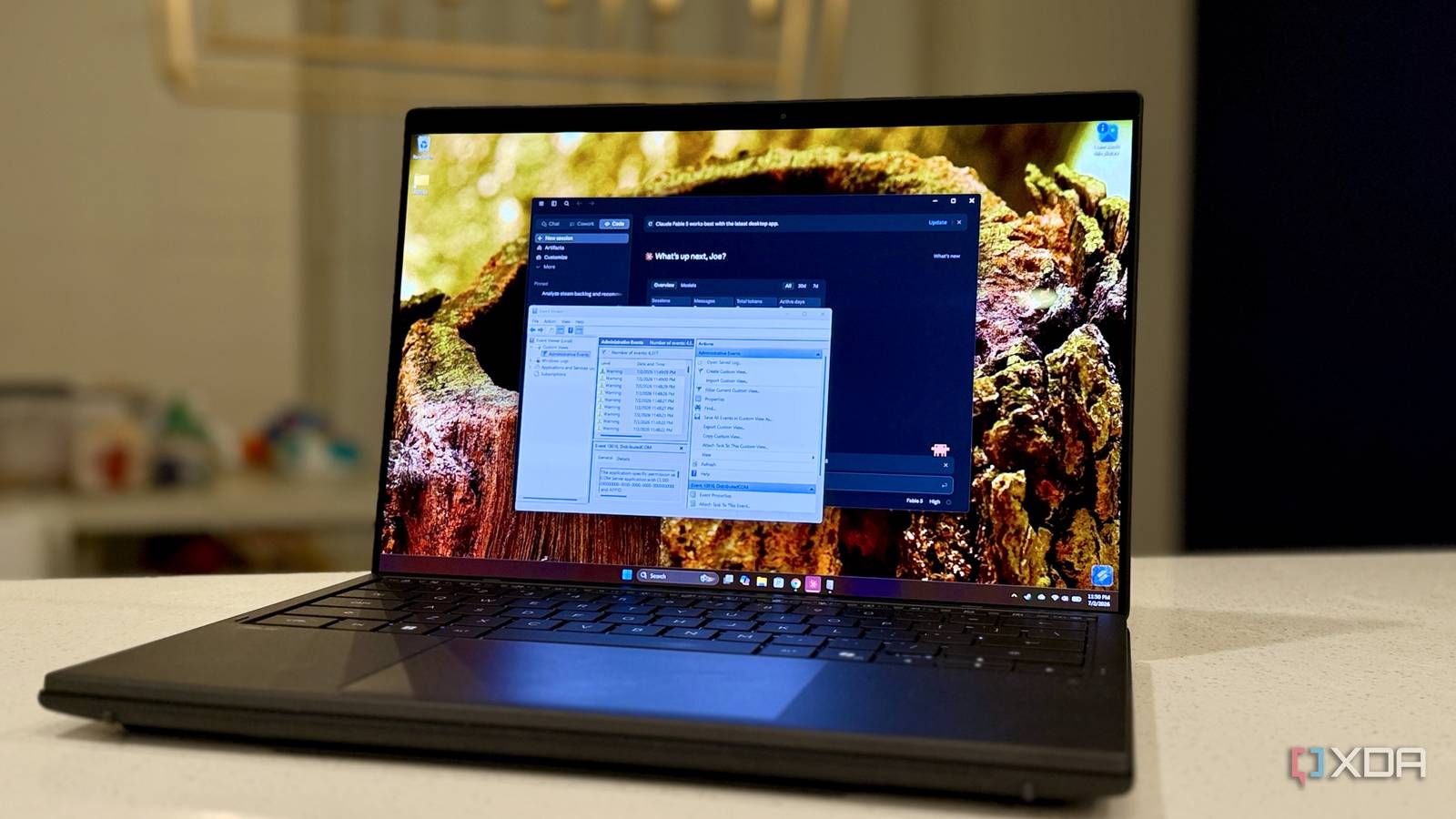
If your Windows Event Viewer looks like a fireworks display of red X’s and yellow triangles you scroll past every week, you’re not alone—and you’re not wrong. Microsoft logs everything from minor DCOM hiccups to critical blue-screen clues, but the signal-to-noise ratio is closer to static than to clarity.
Beyond the noise: when AI spots what Windows misses
A recent experiment shows how large language models can cut through the log clutter. By feeding raw Event Viewer output into an AI assistant, users uncovered failures that Windows either buried or never flagged at all. The key isn’t that Windows logs less; it’s that it still expects humans to sift through thousands of entries with perfect context. AI, in contrast, can correlate seemingly unrelated events and highlight the ones that precede actual crashes or slowdowns.
What this means for everyday troubleshooting
For power users and IT pros alike, the implication is straightforward: AI won’t replace Event Viewer, but it can make it actionable again. Instead of staring at a sea of warnings, you get a concise summary that points to the real culprit—whether it’s a failing driver, a botched update, or a power-save conflict that only shows up after three days of uptime. The approach isn’t magic; it’s just pattern recognition at scale, something humans struggle to do during a busy workweek.
Until Microsoft integrates this kind of contextual analysis natively, third-party tools and AI assistants are filling the gap. The result could be faster fixes, fewer surprise reboots, and a little less frustration the next time Windows decides to log a thousand harmless events in a row.
Source: XDA Developers. AI-assisted editorial synthesis — TechnoExpress.