

Excel's Copilot Steps Up for Messy Survey Data
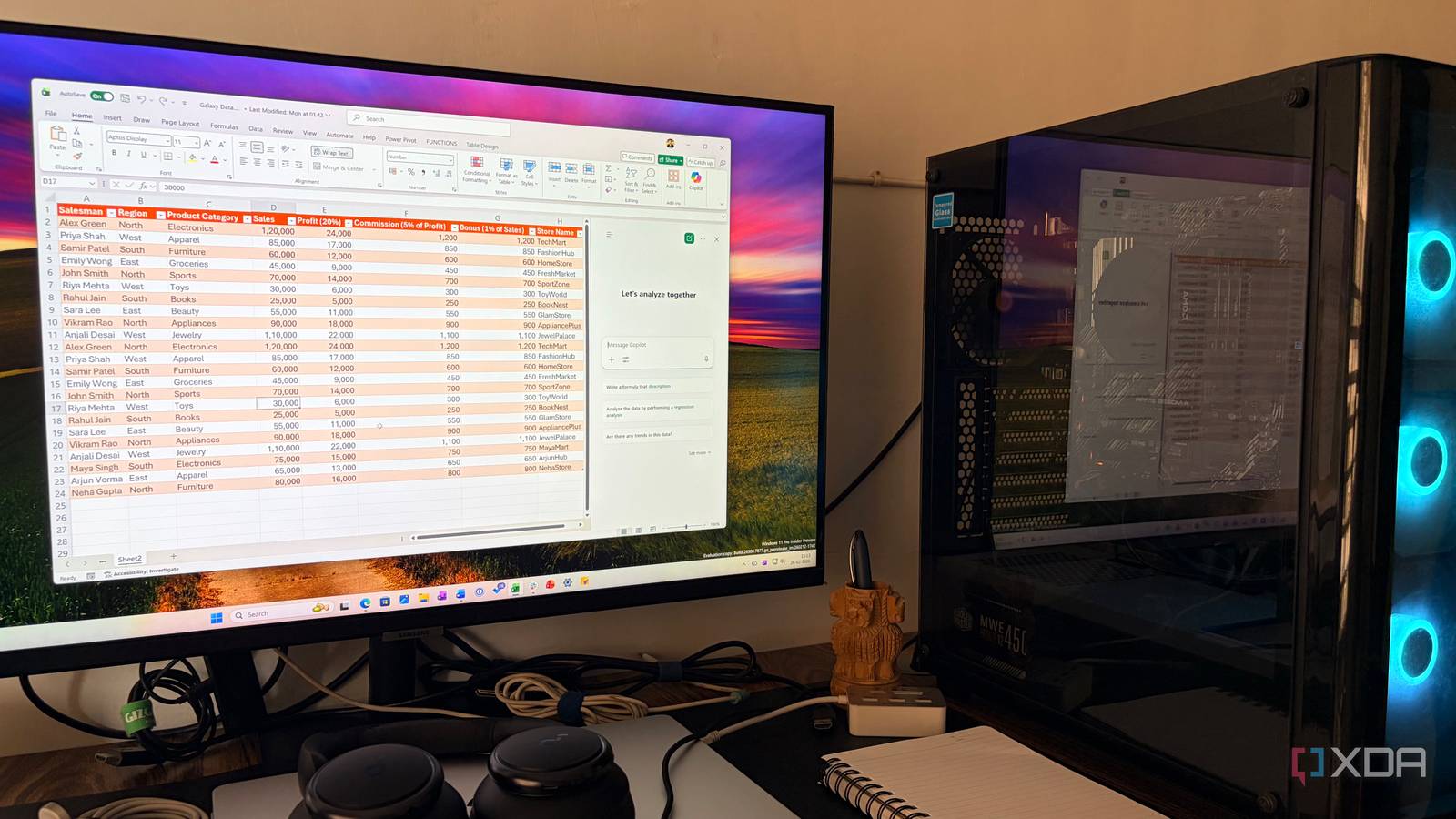
Microsoft is taking another step toward making data analysis more accessible with a new Copilot feature in Excel, designed to streamline the often tedious process of sorting through open-ended survey responses.
At a time when businesses rely heavily on customer feedback, open-ended survey questions can generate vast amounts of unstructured data—comments, suggestions, complaints—that are difficult to categorize or summarize efficiently. Excel’s Copilot now steps in to automate that heavy lifting, using AI to analyze large volumes of text and produce concise summaries based on key themes or sentiments.
From Overwhelming to Manageable
The challenge of manually reviewing open-ended survey answers is well-known among analysts and researchers. With responses varying widely in tone, length, and relevance, distilling them into actionable insights can be time-consuming and prone to human error. By integrating Copilot, Excel transforms this bottleneck into a streamlined process, allowing users to focus on interpreting results rather than sorting through raw text.
A Practical Tool for Every Analyst
This feature arrives as AI-powered assistants become more embedded in everyday business tools. For teams already using Excel for reporting, the addition of Copilot means less reliance on third-party analytics platforms or manual data cleaning. The AI doesn’t replace critical thinking—it accelerates the most repetitive parts of the workflow, making room for deeper analysis.
While AI in the workplace remains a topic of debate, features like this align with a practical middle ground: using automation for tasks where speed and consistency matter most, while leaving nuanced decision-making to human judgment. For anyone drowning in survey responses, Excel’s Copilot could be the first step toward clearer, faster insights.
Source: XDA Developers. AI-assisted editorial synthesis — TechnoExpress.