

NotebookLM’s daily video cap: how to use it wisely
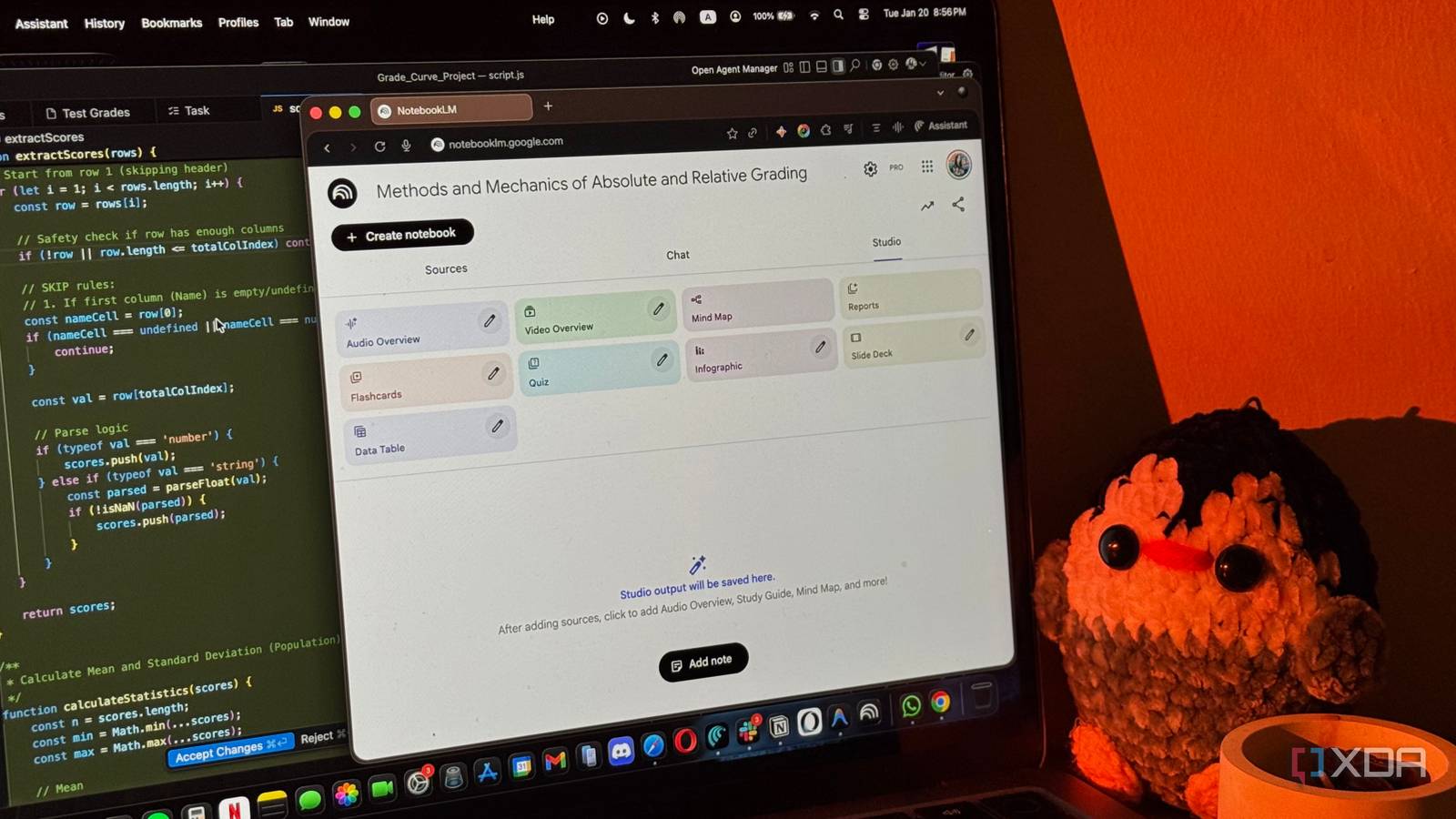
Google’s NotebookLM is gaining fans for its ability to distill trusted sources into concise, cinematic-style videos—yet users now face a hard daily cap of two exports. For those who rely on the tool for research or presentations, that limit can feel restrictive, but a few smart strategies can help you squeeze maximum value from each creation.
Work smarter, not harder
The first step is to treat each export as a reusable asset rather than a one-off task. Before hitting export, refine your notes so the video reflects a single, focused narrative. Group related insights into clear segments and trim any tangents; a tight script ensures the final cut remains sharp and relevant long after the initial upload.
Curate your sources beforehand
NotebookLM’s strength lies in its source fidelity—it won’t hallucinate details it can’t verify. To avoid wasting exports on drafts, curate your source material carefully before feeding it into the tool. High-quality, well-organized documents mean fewer revisions later and a higher chance your first export hits the mark.
Reuse and remix
Once you have an export you like, consider how it can serve multiple purposes. A concise explainer on quantum computing could become a slide in a presentation, a standalone clip for internal training, or even the backbone of a follow-up video with new sources. By planning ahead, you reduce the need for daily exports and keep your workflow efficient despite the cap.
Source: XDA Developers. AI-assisted editorial synthesis — TechnoExpress.