

Google Antigravity quietly boosts focus without adding clutter
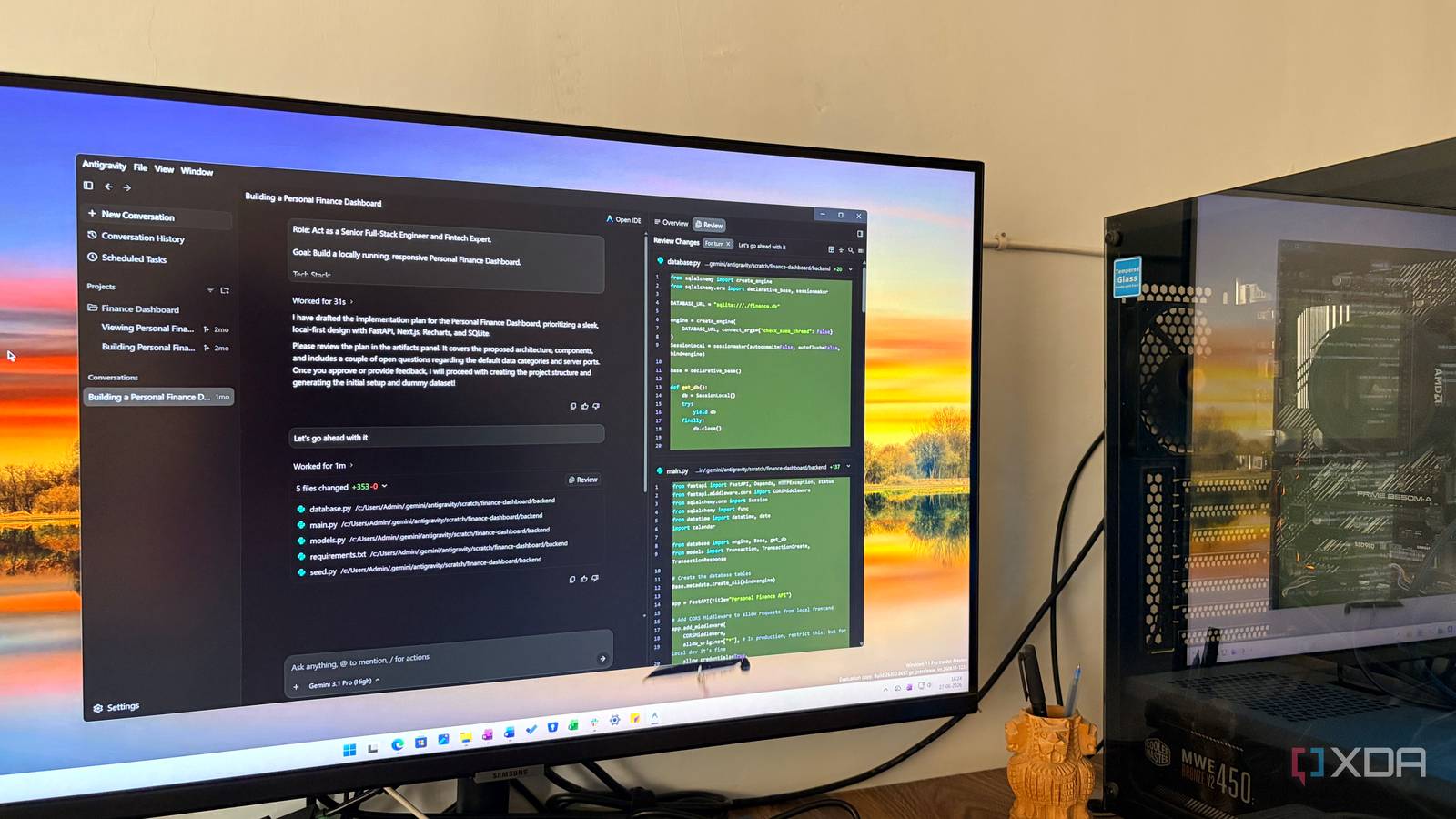
Most productivity tools pile on features—dashboards, reminders, ever-growing to-do lists—yet still leave users staring at blank screens. Google Antigravity takes the opposite approach: it doesn’t organize work, it helps finish it.
A stripped-down approach to getting things done
Built inside Google Workspace, Antigravity surfaces the next logical step in your workflow without asking you to sort, tag, or maintain yet another list. When you open a document, spreadsheet, or email thread, it highlights the most relevant action—often a single sentence or checkbox—so you can move forward instead of deciding what to do next. The idea is to cut through decision fatigue by showing only what’s actionable right now.
Why it works in real workflows
Early adopters describe Antigravity as a “second brain” that stays out of sight until needed. Unlike macro-heavy task managers, it doesn’t require setup: it learns from how you already work in Google Docs, Sheets, and Gmail. For teams juggling multiple projects, the tool surfaces the next step for each open tab or window, reducing context-switching without adding another app to the stack.
The trade-off: simplicity vs. depth
Antigravity won’t replace project-tracking software for large teams, but for individuals and small groups already living inside Google Workspace, it offers a focused alternative to bloated dashboards. The risk is that, without labels or categories, users may struggle to recall why a certain action was highlighted days later. Still, for those overwhelmed by choice, the trade-off can be worthwhile.
Why it matters
Google Antigravity quietly solves a common pain point: productivity tools often create more work than they eliminate. By focusing on immediate next steps rather than endless organization, it aligns with how many people actually get things done. For anyone drowning in open tabs and half-finished tasks, it’s a reminder that sometimes the best tool isn’t the one with the most features, but the one that helps you finish what you’ve started.
Source: XDA Developers. AI-assisted editorial synthesis — TechnoExpress.