

The hidden feature on your motherboard’s fan header you’ve likely missed
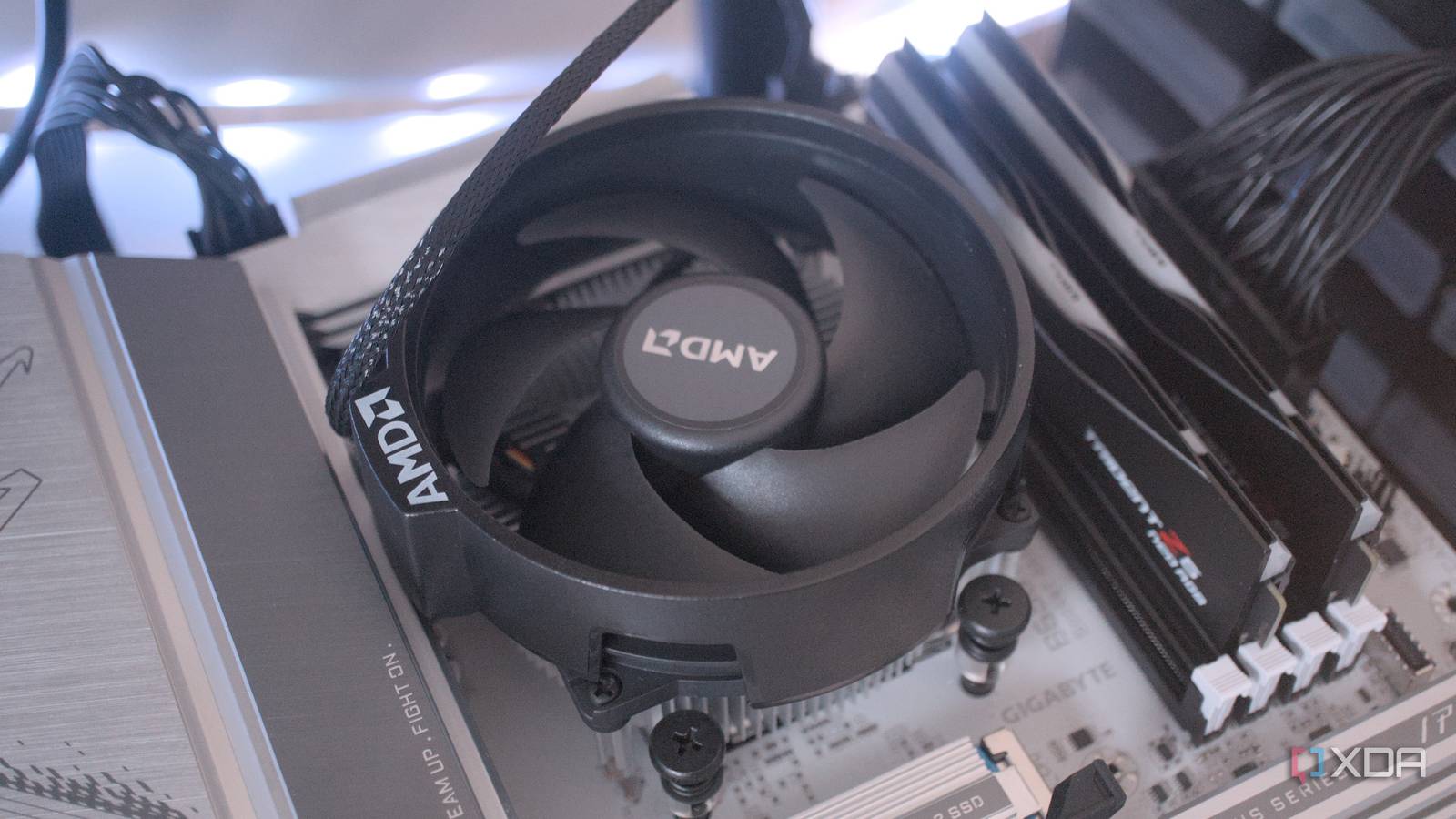
If you’ve ever built a PC, you probably plugged your CPU cooler fan into the motherboard’s fan header without giving it a second thought. But that little port might be capable of far more than spinning fans—if you know how to use it.
Most builders assume fan headers are only for keeping components cool, but modern motherboards often treat them as multi-purpose I/O ports. Some can drive water-cooling pumps, sync RGB lighting strips, or even relay temperature data to software. The trick lies in the header’s configuration: PWM (pulse-width modulation) for speed control, or DC for basic on/off operation. Pair that with compatible software, and suddenly your fan port becomes a command center for your entire system’s aesthetics and thermal performance.
When a fan header isn’t just for fans
Take the common 4-pin PWM header, for instance. While it’s designed to regulate fan speeds based on temperature, many boards allow users to override that default behavior. With the right firmware or third-party tools, you can program the header to power an RGB controller, drive a pump for an all-in-one liquid cooler, or even switch between profiles on the fly. Some enthusiasts repurpose unused headers to automate case fan curves or integrate them into smart home setups via motherboard software suites. The limitation isn’t the hardware—it’s often the user’s awareness of what’s possible.
The overlooked gateway to smarter cooling
For years, builders have defaulted to plugging everything into the CPU_FAN header, reserving the SYS_FAN ports for case fans. But that habit overlooks boards with headers labeled for “AIO_PUMP” or “EXT_FAN,” which are optimized for different loads. Misusing a header—for example, running a high-power pump on a standard fan circuit—can lead to erratic behavior or even damage. Manufacturers include these features to let users fine-tune their setups, yet adoption remains low because the documentation is scattered across manuals, forums, and obscure BIOS menus.
Why it matters
Understanding your motherboard’s fan headers isn’t just about avoiding mistakes—it’s about unlocking a layer of control that can improve cooling efficiency, reduce noise, and even simplify RGB management. For budget builders, it might mean one less USB header tied up for RGB control; for overclockers, it could mean more precise pump timing. The next time you open your case, check the manual: that unassuming port might be hiding a lot more power than you realized.
Source: XDA Developers. AI-assisted editorial synthesis — TechnoExpress.