

The hidden flaw in modern game upscaling you’ve probably missed
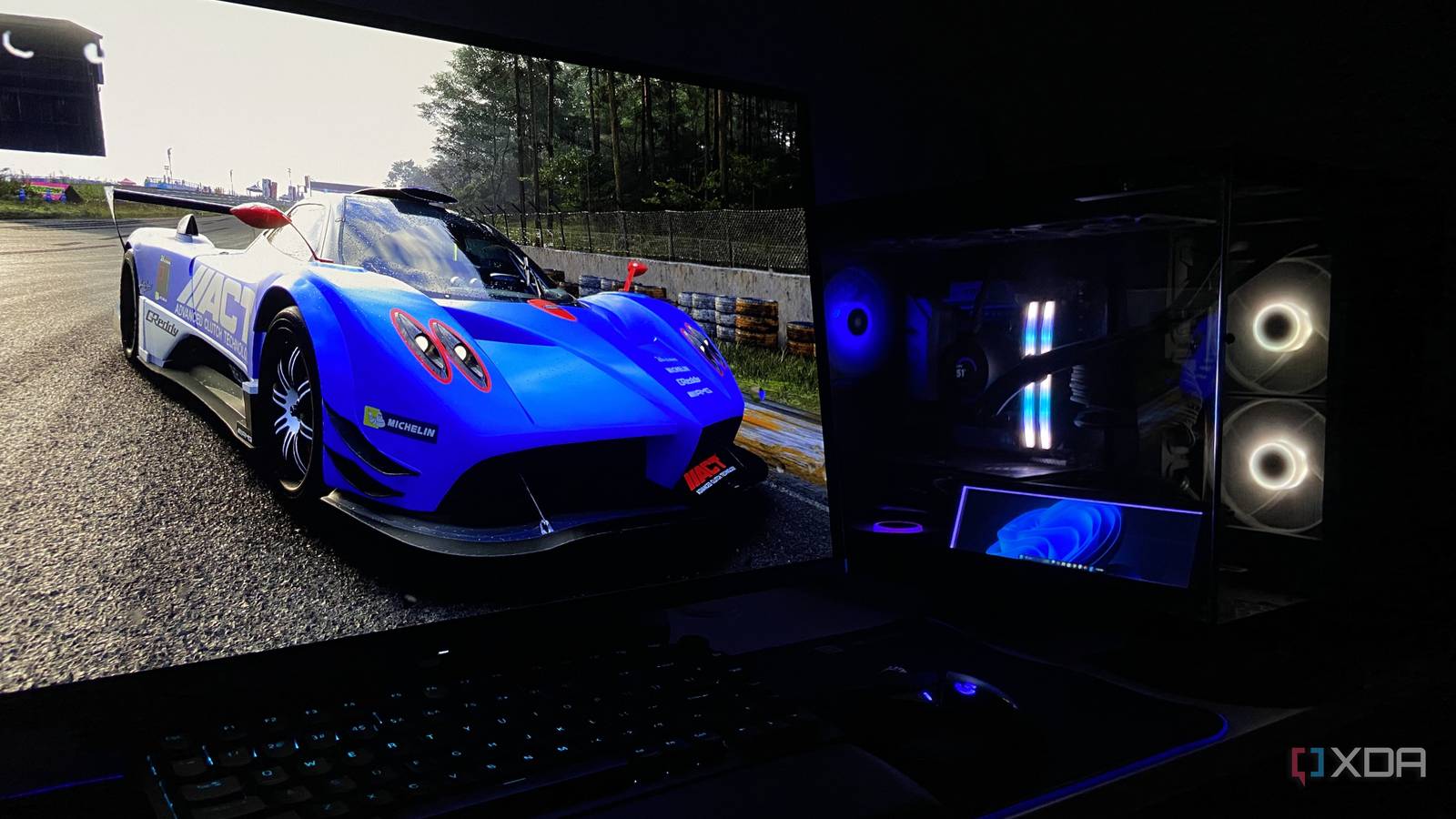
Modern PC games look razor-sharp in screenshots, but the moment your character steps forward, the illusion fades. Upscaling has reached a point where static frames can be nearly indistinguishable from true 4K, thanks to AI reconstruction and temporal filters. Yet the second the camera tilts or your hero sprints across the screen, jagged edges reappear, ghosting creeps in, and textures smear—proving that what looks perfect on pause is still a fragile compromise.
When the illusion stops moving
The core issue isn’t resolution; it’s motion. Temporal upscalers like NVIDIA DLSS and AMD FSR rely on data from previous frames to guess missing pixels. In still scenes, that works well enough to fool the eye. But unpredictable movement—player input, physics, or camera cuts—introduces gaps the algorithm can’t fill convincingly. Edges shimmer, fine details flicker, and the very clarity that sold the technology evaporates in real time.
What developers and players can do
For gamers, the takeaway is simple: don’t treat upscaling as a silver bullet. Dialing back settings or choosing lower base resolutions can reduce the artifacts that expose the illusion. Players sensitive to motion sickness may notice stuttering or judder when the upscaler’s temporal data becomes unreliable. On the development side, studios can bake in motion-aware upscaling presets and offer granular control so users can balance performance against visual fidelity.
Why it matters
Upscaling has become a crutch for pushing higher frame rates on demanding titles, but its motion limitations reveal a deeper truth: we’re still chasing realism through approximation. The next leap won’t come from sharper stills alone—it will require smarter motion interpolation or entirely new rendering approaches. Until then, savvy gamers will need to accept a trade-off: the convenience of upscaling or the occasional clarity of native resolution.
Source: XDA Developers. AI-assisted editorial synthesis — TechnoExpress.