

Android’s desktop mode is finally practical—thanks to this feature
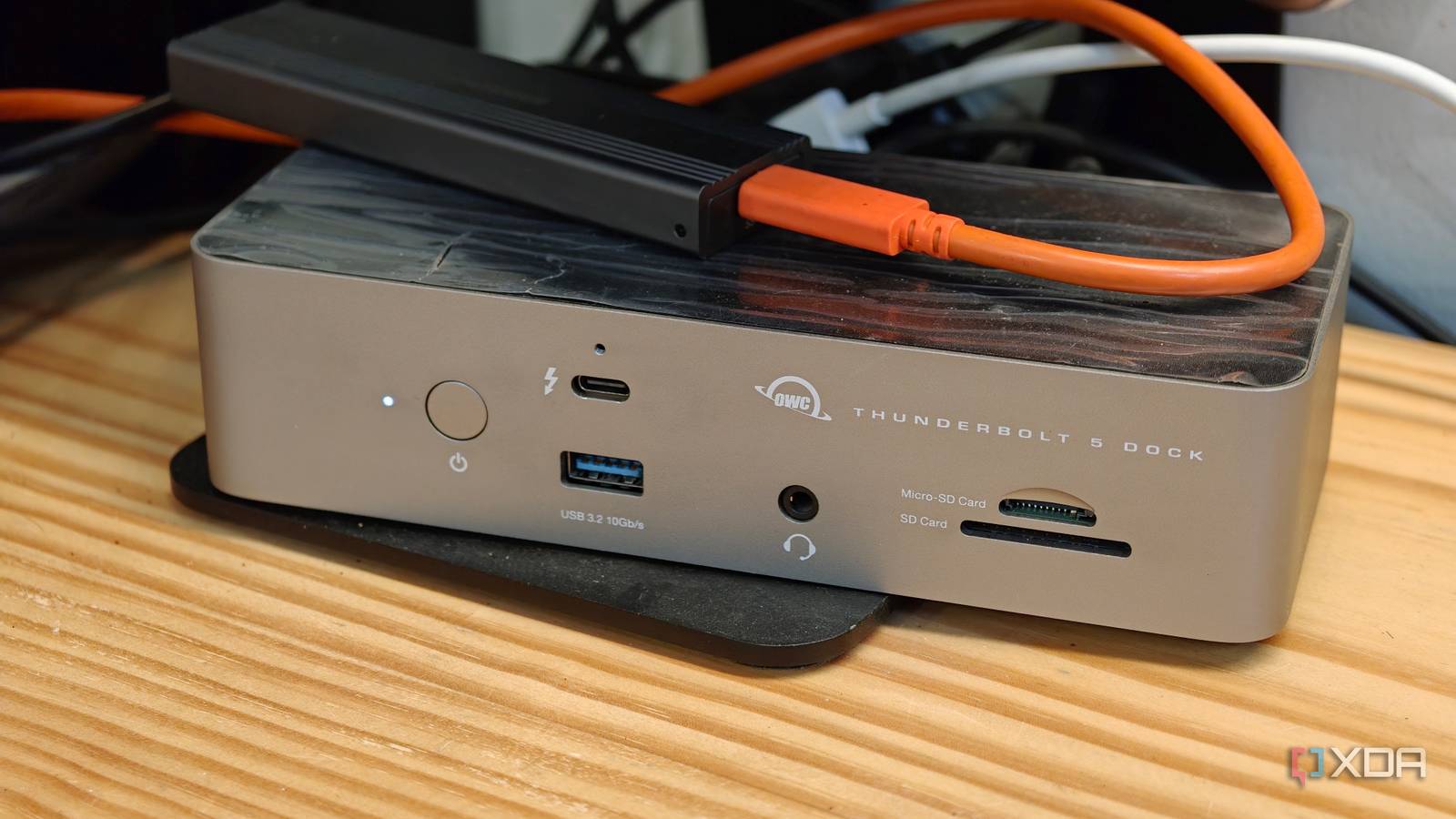
Imagine turning your phone into a full desktop setup with just a dock and a monitor. That’s no longer a futuristic dream—it’s becoming reality, and the magic lies in the humble dock.
For years, Android phones have packed enough power for serious work, yet the experience felt confined. Drafting long documents, juggling multiple apps, or shuffling files across cloud services was awkward on a small screen. Laptops are the go-to for such tasks, but what if you could skip the extra device and do it all from the palm of your hand? That’s where Android’s desktop mode steps in, transforming your phone into a desktop environment. The key to making this transition smooth? A well-designed dock that bridges the gap between mobile and desktop workflows.
From mobile to desktop: how the dock makes the difference
A dock isn’t just a place to park your phone—it’s the control center that turns a mobile device into a productive workspace. When connected to a monitor, a capable dock provides stable power, reliable data transfer, and multiple ports for peripherals like keyboards, mice, and external storage. More importantly, it ensures your phone’s desktop mode runs efficiently without lag or interruptions. Without this bridge, even the most powerful Android phone would struggle to replace a traditional desktop.
A growing ecosystem of solutions
Manufacturers and third-party developers are catching on. Some Android phones now include official desktop modes with dock support, while accessories like USB-C hubs and wireless docking stations expand compatibility. The result? A more flexible setup where users can switch between mobile and desktop modes seamlessly. Whether you’re editing a spreadsheet, managing emails, or organizing files, the dock turns your phone into a surprisingly capable workstation.
The shift isn’t about replacing laptops—it’s about offering a convenient alternative when portability matters. With the right dock, Android’s desktop mode isn’t just impressive; it’s practical.
Source: XDA Developers. AI-assisted editorial synthesis — TechnoExpress.