

The Terminal as a Writing Powerhouse? It’s Faster Than You Think
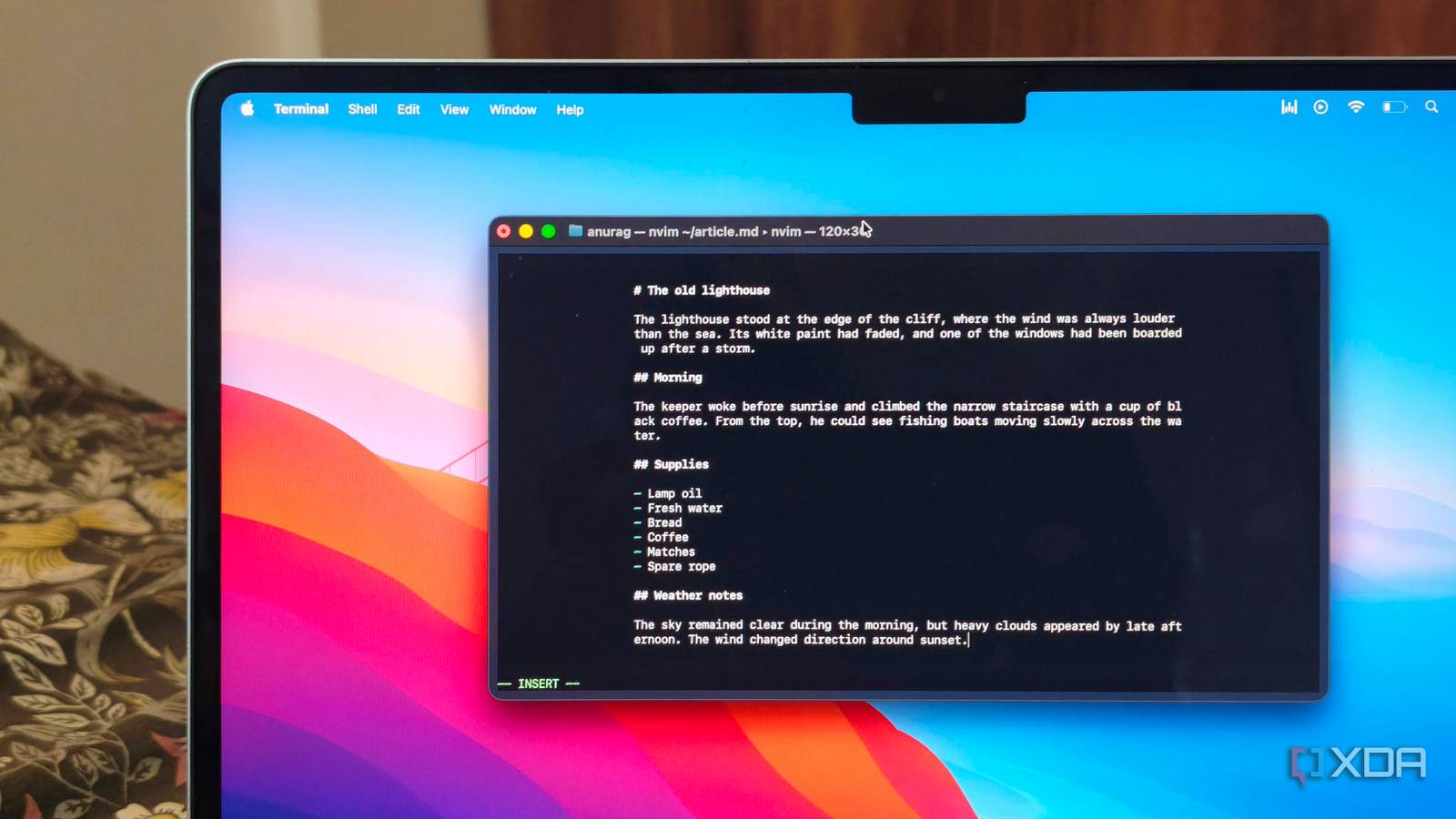
The terminal isn’t just for coders or sysadmins anymore—it’s quietly becoming a powerhouse for writers who value speed and focus. What sounds like an absurd idea—writing entire documents inside a command-line interface—actually turns out to be shockingly efficient once you adapt. After experimenting with a terminal-based workflow, one tech writer discovered that with the right extensions, the CLI could handle everything from formatting text to tracking revisions, all while stripping away the bloat of traditional word processors.
A Minimalist Workspace for Words
The appeal lies in the terminal’s raw simplicity. Instead of wrestling with floating toolbars or notifications, users interact with their documents through concise commands. Tools like Vim or Neovim, paired with plugins such as Obsidian.nvim for note-taking or Glow for previewing Markdown, transform the terminal into a customized writing environment. No mouse clicks, no lag, just a streamlined interface that keeps the focus on the text. For those who spend hours drafting emails, reports, or even code documentation, this approach can feel liberating.
Not for Everyone—Yet
Of course, this workflow demands a certain comfort with the command line. Beginners might find the learning curve steep, especially when it comes to mastering shortcuts or troubleshooting extensions. But for those willing to invest the time, the payoff is tangible: faster navigation, fewer distractions, and a workflow that feels almost meditative in its efficiency. Even tasks like version control (via Git) or syncing files across devices become seamless when handled within the same interface.
Why it matters
The terminal’s rise as a writing tool isn’t just a novelty—it’s a reflection of a broader trend toward minimalism in productivity. In an era where digital distractions are everywhere, a distraction-free environment isn’t a luxury; it’s a competitive advantage. For writers, researchers, or developers who juggle multiple documents, this setup could shave minutes—or even hours—off daily tasks. The real question isn’t whether the terminal can replace Word or Google Docs, but whether the industry will take note of this quieter revolution in workflow design.
Source: XDA Developers. AI-assisted editorial synthesis — TechnoExpress.