

macOS malware forces users to reveal passwords via fake login prompt
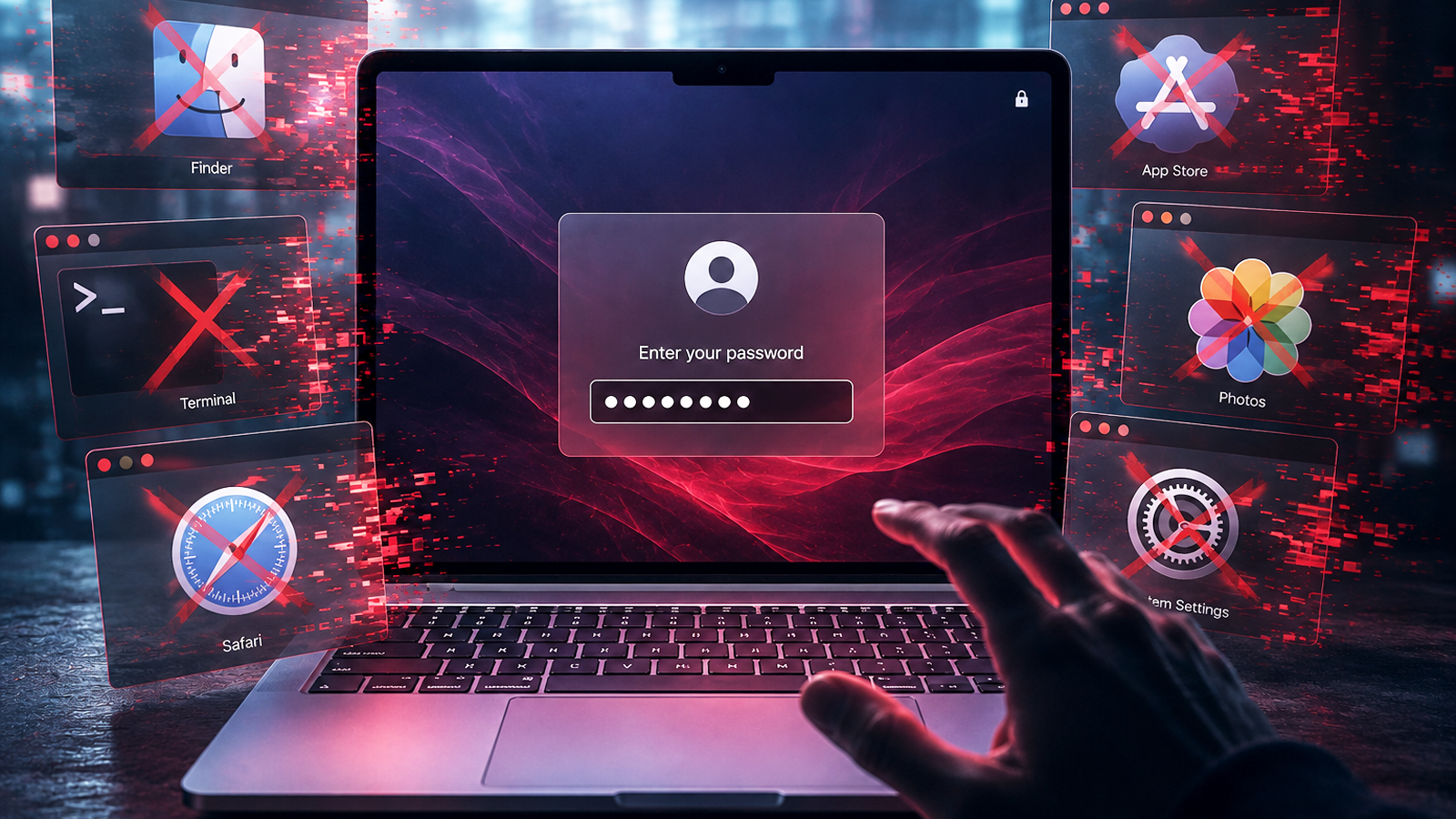
A new macOS malware named ClickLock is tricking users into surrendering their login passwords by shutting down all visible apps and presenting a convincing system prompt. Security researchers report that the attack mimics the native macOS login screen, creating a sense of urgency that pressures victims to enter their credentials.
A clever deception tactic
ClickLock works by forcefully terminating running applications—including browsers and productivity tools—before displaying a full-screen dialog that closely resembles the system’s own login window. Victims, faced with a sudden loss of access and a plausible-looking request for their password, may comply without suspecting foul play. The malware then captures the entered credentials and likely exfiltrates them to attackers.
How it spreads and what to watch for
While the current distribution method isn’t detailed, macOS malware often arrives through trojanized applications, pirated software, or deceptive email attachments. Users should be skeptical of unexpected login prompts, especially after launching unfamiliar apps or visiting untrusted websites. Apple’s Gatekeeper and notarization checks can help block known malicious files, but zero-day threats may slip through.
Why it matters
This attack highlights how malware is evolving to exploit user psychology rather than just technical vulnerabilities. By weaponizing interruptions and mimicking system behavior, ClickLock increases the chance of success even against security-savvy users. For Mac owners, vigilance at the login prompt and cautious software habits remain critical defenses—because no password field, no matter how authentic it looks, should be entered under duress.
Source: BleepingComputer. AI-assisted editorial synthesis — TechnoExpress.