

mpv challenges VLC’s reign as the ultimate media player
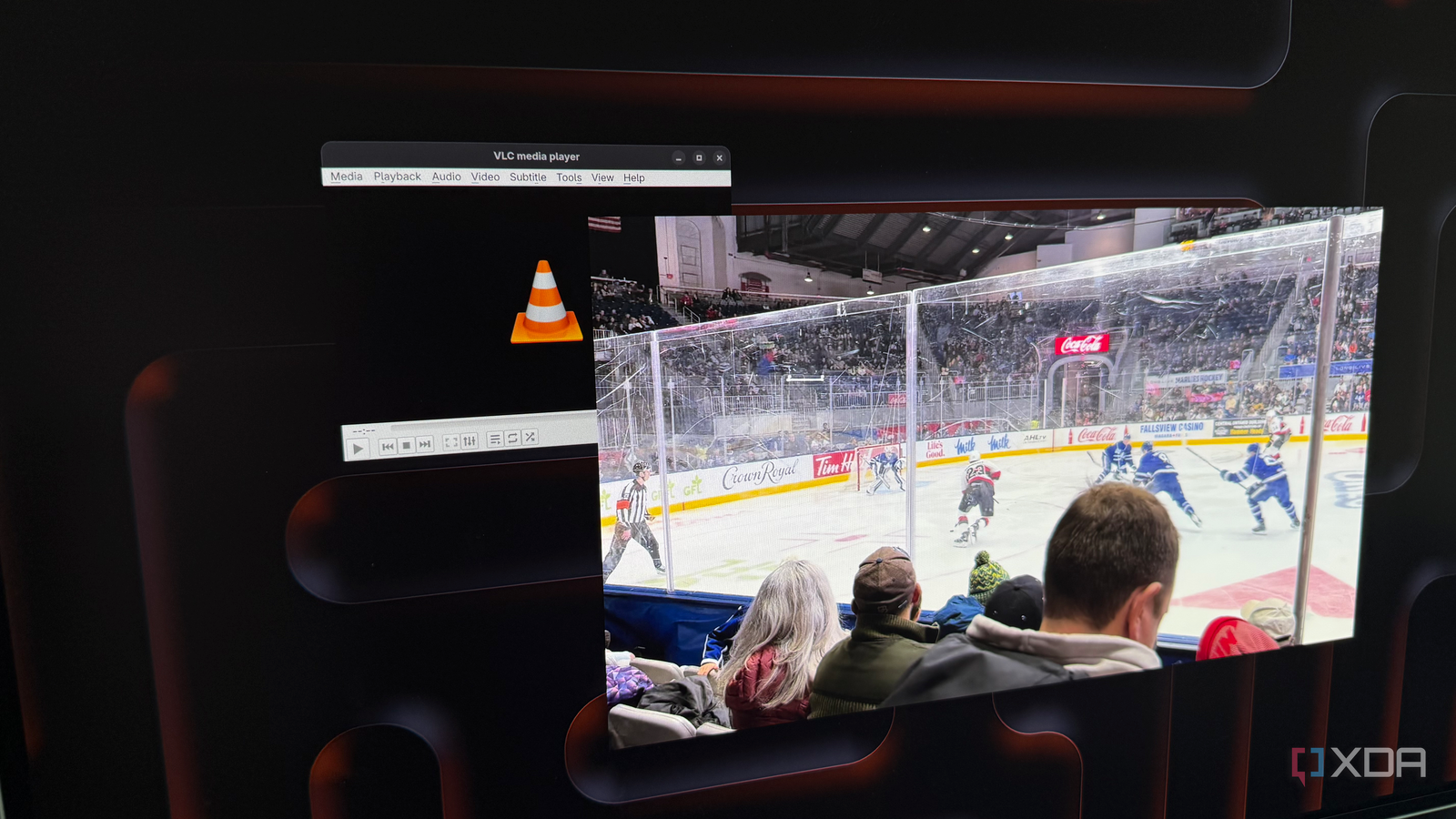
For decades, VLC has been the go-to media player for users who want simplicity and reliability. Its intuitive interface and broad format support made it a household name. But one tech reviewer recently made the switch to mpv, an open-source alternative that prioritizes power and customization over ease of use.
A different kind of simplicity
mpv isn’t designed for casual users. Unlike VLC’s all-in-one approach, it strips away menus and buttons, leaving a clean window with only essential controls. This minimalist design lets the video take center stage, but it also means there’s no built-in help system—users learn by doing or through external guides. The trade-off is a player that stays out of your way, running smoothly in the background without flashy animations or resource-heavy features.
Built on solid ground
Under the hood, mpv relies on FFmpeg, the same robust engine that powers countless media tools. This shared foundation means it handles formats and codecs with ease, often outperforming VLC in raw playback performance. While VLC offers extensive configuration options through menus, mpv handles everything through text-based commands or a config file. For those willing to dig into documentation, this opens up deep customization—from tweaking audio sync to applying real-time filters—without cluttering the interface.
Is it right for you?
VLC remains the better choice for most users who value convenience and a gentle learning curve. But for power users, developers, or anyone frustrated by VLC’s occasional quirks, mpv delivers a focused, high-performance experience. The learning curve is real, but the payoff is a player that adapts to your needs rather than forcing you into its workflow. If you’re ready to trade hand-holding for control, mpv might just change how you watch media forever.
Source: XDA Developers. AI-assisted editorial synthesis — TechnoExpress.