

SSD pitfalls: five common install mistakes to avoid
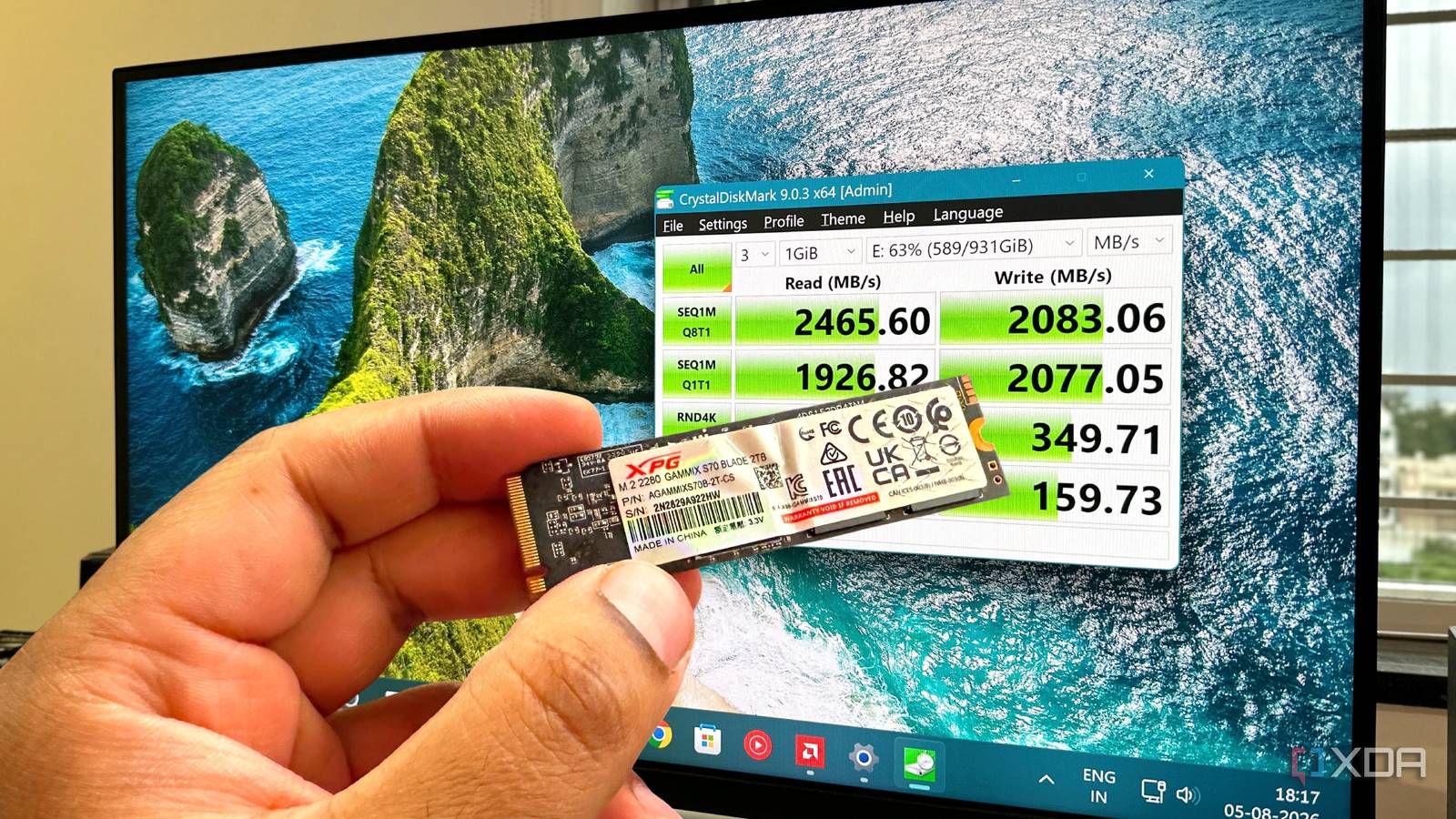
Swapping an SSD should be a five-minute task: slide the drive into the slot, secure it with a screw, boot up, and you’re done. Yet, what seems foolproof can quietly wreck the drive if you overlook a few details. Over the years, even experienced users have fried SSDs without realizing why—until it’s too late.
The devil in the details
The most common trap is ignoring the drive’s orientation. Sliding the SSD in upside-down or at an angle can bend the fragile connectors, leading to intermittent contact or outright failure. Another frequent oversight is skipping the firmware update before the first boot; outdated firmware can leave the drive vulnerable to bugs that shorten its lifespan. Even tightening the screw too much can warp the PCB, while too little leaves the drive loose and prone to vibration damage.
Power and cable checks matter
Plugging the SATA power cable in backward or forcing it into the wrong port under the desk may not trigger an immediate error, but it can send unstable voltage spikes that degrade NAND cells over time. Some users also forget to enable AHCI mode in the BIOS—leaving the drive running in legacy IDE mode restricts performance and can increase wear. A quick BIOS check before installation prevents these silent performance killers.
Windows setup can seal the fate
After the hardware is in place, a rushed Windows install without aligning partitions to the SSD’s erase block size can cause unnecessary write amplification. Similarly, disabling TRIM via a quick registry tweak or failing to update storage drivers can hobble the drive’s ability to self-maintain. These steps don’t take long, but skipping them turns a simple swap into a slow degradation.
Why it matters
A few minutes of care during SSD installation can mean the difference between a drive that lasts five years and one that fails in months. The cost of a replacement SSD and the hours spent cloning and reinstalling far outweigh the time spent double-checking connections, firmware, and BIOS settings. For anyone upgrading storage, treating the process as more than a quick swap—even when it feels trivial—saves both money and frustration down the line.
Source: XDA Developers. AI-assisted editorial synthesis — TechnoExpress.