

Why OLED monitors still struggle with eye strain—and how to fix it
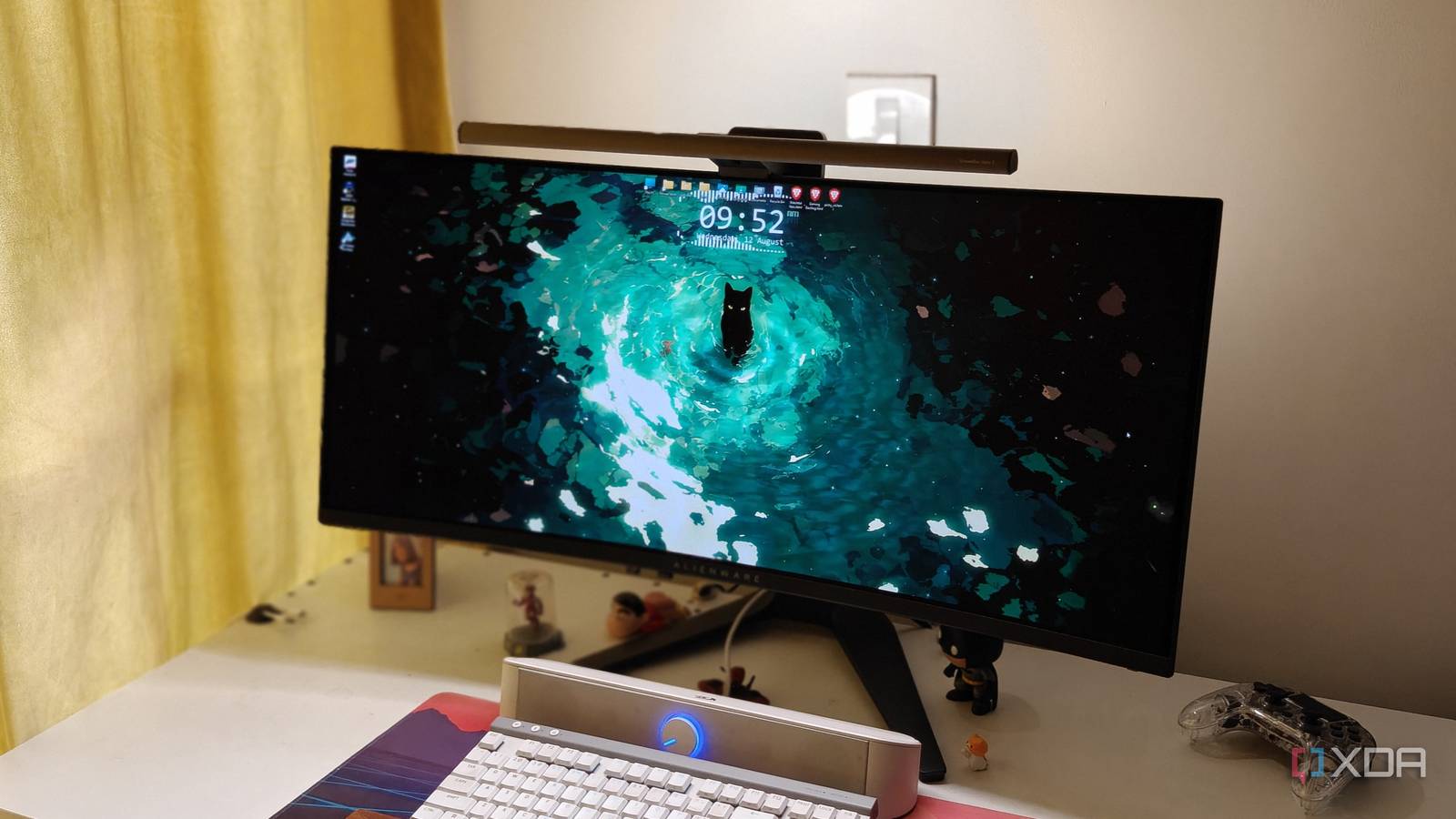
Switching from an IPS panel to a QD-OLED ultrawide last year felt like stepping into a brighter, sharper future—until the eye strain kicked in. The contrast and color pop were undeniable, but long coding or writing sessions left my eyes tired and my focus scattered. It turns out the same tech that makes OLED so vivid can also make it harder on the eyes, and the fix isn’t as complicated as you’d think.
The OLED paradox: brilliant colors, weary eyes
OLED’s self-emissive pixels deliver perfect blacks and dazzling hues, but they also pump out more blue light and flicker at a microscopic level. Even QD-OLED panels, which reduce flicker compared to standard OLEDs, can still trigger headaches or fatigue during marathon workdays. The issue isn’t the display itself—it’s how our eyes adapt (or fail to) to such extreme contrast and brightness swings.
One setting changed everything
The breakthrough came not from new hardware, but from a software tweak. By enabling a low-blue-light mode and capping brightness around 70%, the panel suddenly felt usable for hours. Manufacturers often ship OLEDs at factory-defaults that prioritize punch over comfort, assuming users will adjust later. But for those sensitive to flicker or blue light, that assumption falls short.
Not all OLEDs are equal
The experience varies by panel type. Older WOLED monitors with more flicker tend to be worse offenders, while QD-OLED models like the one tested here fare better. Still, even the best ultrawide OLED needs a human-centric approach to avoid turning your desk into a vision test.
Why it matters
OLED monitors are a clear step forward in color accuracy and contrast, but their ergonomic drawbacks can erase those gains for anyone spending hours in front of the screen. The fix is simple—lower brightness, engage blue-light filters—but it shouldn’t require a workaround. Until vendors ship OLEDs tuned for comfort out of the box, buyers should test panels in real work conditions and insist on adjustable settings. Otherwise, the “upgrade” might just mean trading one kind of eye strain for another.
Source: XDA Developers. AI-assisted editorial synthesis — TechnoExpress.