

Four layers of protection for your Jellyfin server
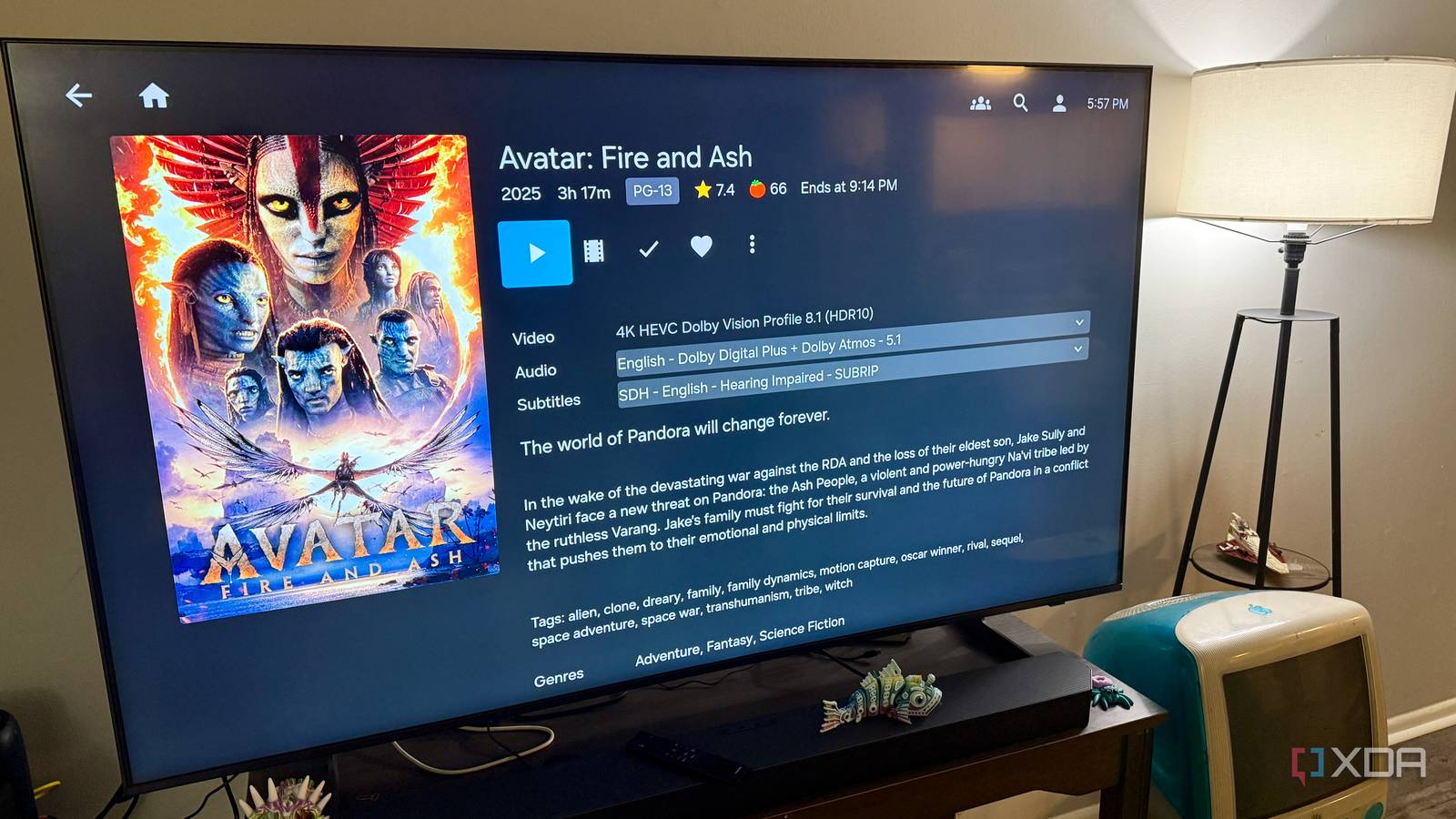
A well-curated Jellyfin server is more than a collection of files—it’s a carefully crafted library of media, metadata, and personal configurations. One user’s experience highlights a practical truth: losing a Jellyfin server isn’t just about the data, but about the entire ecosystem built around it.
The author emphasizes that while the media files themselves are critical, the real value lies in the accumulated work—folder structure, metadata, artwork, watched status, and custom collections. Rebuilding all of that after a drive or server failure would be far more time-consuming than simply restoring files. This underscores a common oversight: RAID, often seen as a primary safeguard, doesn’t protect against configuration loss or corruption of metadata databases.
Beyond RAID: The layers that actually matter
The user’s setup relies on multiple strategies. First, automated daily backups of the entire Jellyfin directory ensure that configuration, metadata, and artwork are preserved. Second, critical media files are stored on a RAID 1 array for redundancy, but this is treated as a secondary layer rather than the main defense. Third, off-site cloud backups provide disaster recovery, and finally, regular verification checks confirm that backups are intact and restorable.
Why it matters
For anyone running a media server, this approach reframes data protection as a layered discipline rather than a single technical fix. RAID helps with hardware failures, but it won’t save your custom playlists or watched history. Automated, versioned backups of the entire Jellyfin directory—including its database—are essential. For small teams or personal users, the lesson is clear: treat your media server like a critical system, not just a storage box. The real cost of failure isn’t the missing files, but the hours of rebuilding a personalized library from scratch.
Source: XDA Developers. AI-assisted editorial synthesis — TechnoExpress.