

Offline work is possible—and here’s how to set it up
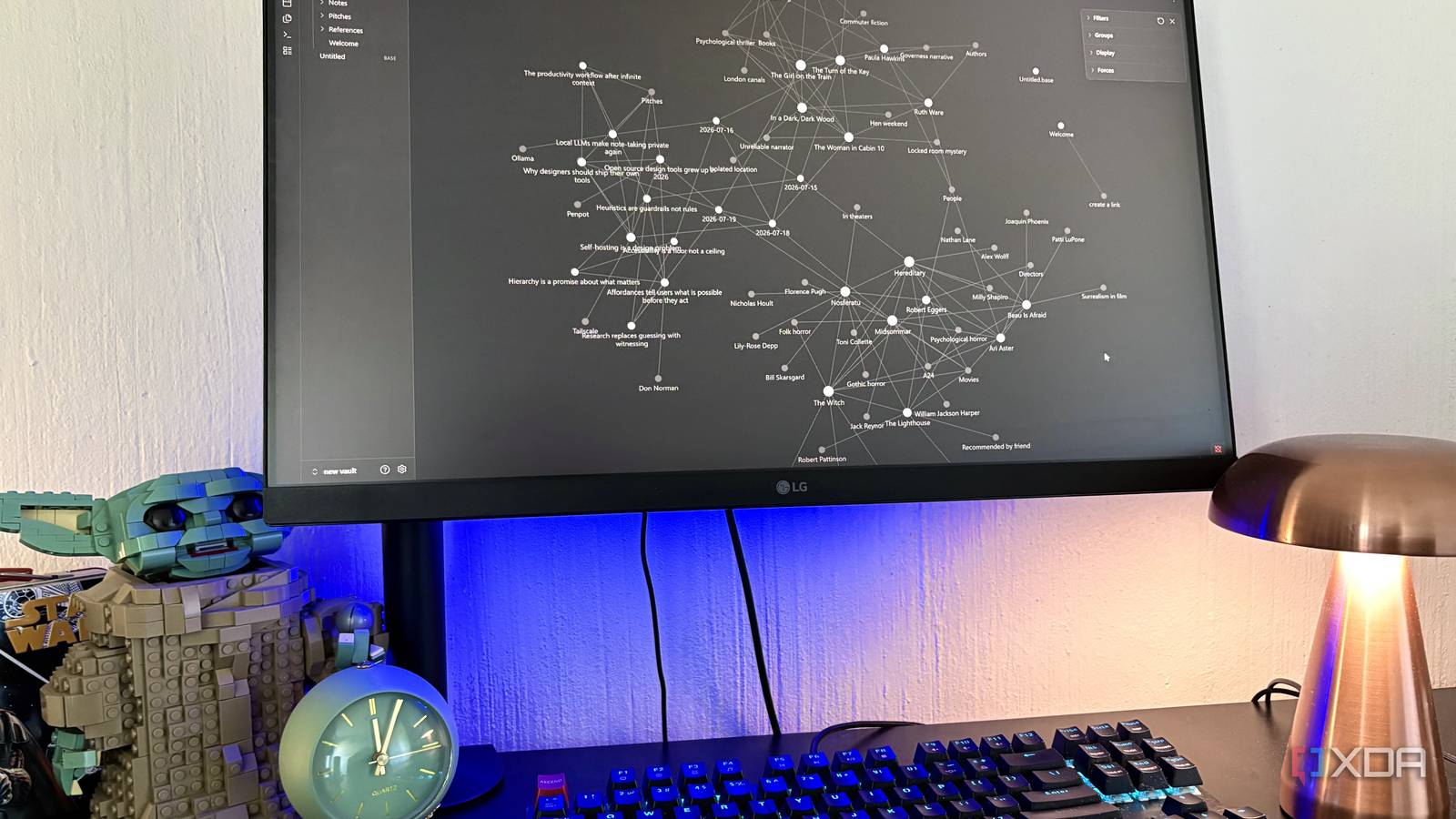
Imagine losing internet access mid-sentence—your screen freezes, your flow shatters. For most of us, an unreliable connection doesn’t just slow us down; it halts progress entirely. That realization led one tech writer to rethink the role of Wi-Fi in productivity. Instead of chasing stronger signals, they built a complete offline setup designed to keep work flowing, no matter the circumstances. The result? A system that treats cloud services as optional, not essential.
A mindset shift: productivity without constant connectivity
The key insight isn’t about rejecting the cloud—it’s about making it non-critical. By pre-loading essential files, using locally installed software, and prioritizing offline-first tools, the setup ensures that a missing Wi-Fi signal becomes a minor inconvenience rather than a crisis. The focus shifts from “waiting for the page to load” to “actually getting things done.” This approach aligns with a growing trend among digital nomads and remote workers who value autonomy over dependency.
The offline toolkit in practice
What does such a setup look like in real terms? It starts with document editors like LibreOffice or OnlyOffice, which store files locally and support formats like ODT or DOCX. For notes and ideas, apps like Joplin or Standard Notes allow offline editing and later sync when a connection returns. Even email can go offline: Thunderbird with an IMAP cache lets you read and compose messages without touching the cloud. And for those who rely on spreadsheets or presentations, tools like OnlyOffice or Calligra Suite offer full offline functionality. The trick isn’t in fancy hardware—it’s in choosing tools that respect your time and location.
Why it matters
This isn’t about rejecting modern technology. It’s about regaining control. In a world where connectivity is often treated as a given, an offline-ready workflow protects against outages, travel delays, and rural dead zones. It also reduces digital clutter and distractions, allowing deeper focus when needed. For professionals, students, or anyone who values continuity, building such a setup isn’t just practical—it’s a quiet act of professional self-defense.
Source: XDA Developers. AI-assisted editorial synthesis — TechnoExpress.