

TV speakers ruined your binge-watch? Try these quick fixes first
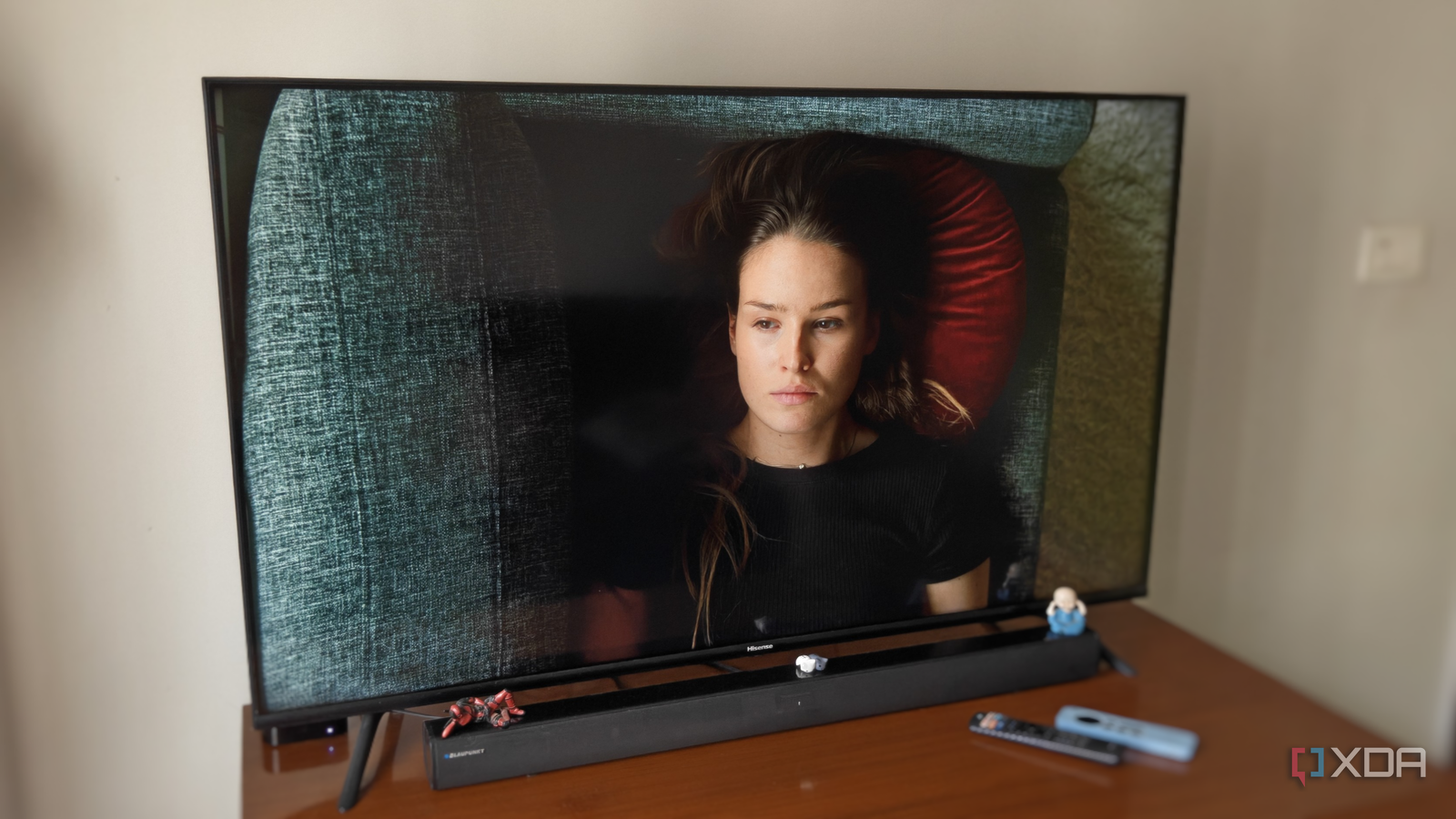
If your TV’s built-in speakers leave dialogue muffled and action scenes booming like thunder, you’re not alone—and you don’t necessarily need a soundbar to fix it. A recent experience shared by a tech reviewer highlights how five small tweaks in the audio menu can transform poor TV sound into something far more listenable, even for daily use like YouTube binges.
Why built-in TV speakers often sound bad—and why you shouldn’t give up
Many assume TV speakers are beyond repair, designed more for convenience than quality. But before reaching for your wallet, it’s worth checking the settings menu. The reviewer found that after years of using a soundbar, returning to the TV’s audio felt like a step back—until they started experimenting. Rather than upgrading hardware, simple software adjustments restored clarity and balance, proving that better sound doesn’t always require extra cost.
Five settings worth trying right now
Start with dialogue enhancement, which can clarify voices buried under background noise. Next, disable virtual surround sound if your TV offers it—this feature often exaggerates bass and distorts mid-range frequencies. Adjusting equalizer presets (like "Movie" or "Music") can also help tailor sound to your content. Finally, check audio output format to ensure it’s set to stereo (not auto), and reduce dynamic range compression to prevent sudden loud noises from startling you. Each change takes minutes but can make a noticeable difference.
A lesson in making do—and doing it well
This isn’t about settling for mediocre audio, but about maximizing what you already have. The reviewer’s temporary return to TV speakers became a reminder: before spending on upgrades, explore what’s already in front of you. For anyone spending long hours watching videos, these tweaks could mean the difference between frustration and enjoyment—without the extra hardware bill.
Source: XDA Developers. AI-assisted editorial synthesis — TechnoExpress.