

Why your Ethernet cable could be throttling your internet speed
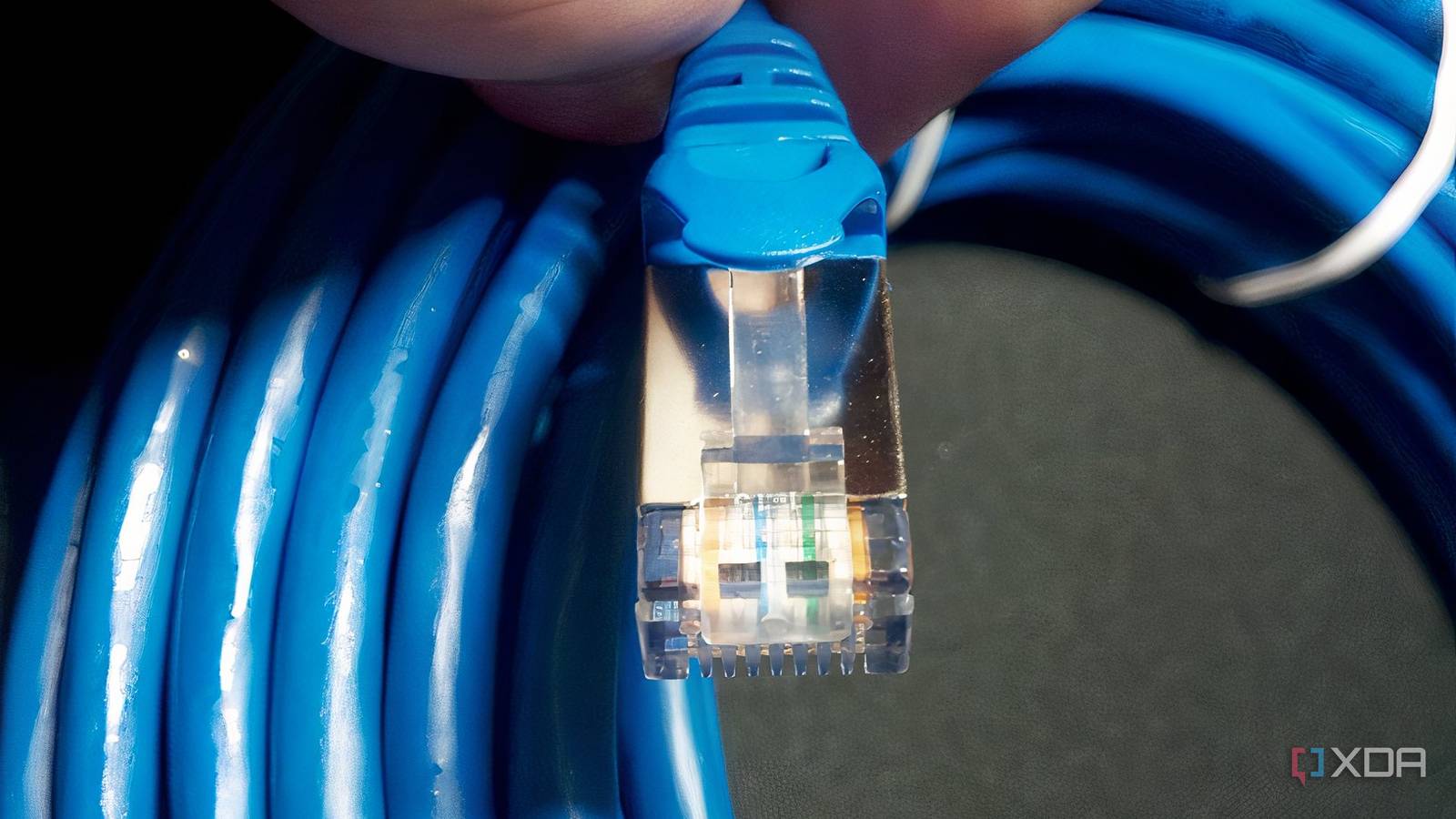
Your PC might be screaming for an upgrade, but the real bottleneck could be the humble Ethernet cable snaking from your router to your desktop. A quick speed test often points the finger at the ISP or Wi-Fi interference, yet when only one device suffers, the cable itself is a prime suspect.
The silent speed killer hiding in plain sight
Many users assume a slow connection stems from hardware or service issues, but overlooked details like cable quality or damage can silently throttle speeds. If your PC’s wired connection lags while your phone or other devices perform normally, the issue likely lies in the cable itself. A damaged or outdated Ethernet cable can fail to handle modern speeds, especially Cat 5 or older variants, which struggle with gigabit connections.
A simple test to rule out the culprit
Before blaming the ISP or upgrading your PC, swap out the Ethernet cable with a known high-quality one—preferably Cat 6 or better—and retest your speed. If speeds improve, the original cable was the bottleneck. Alternatively, test your PC’s connection via Wi-Fi; if speeds normalize, the issue is almost certainly the cable or its port.
Why it matters
Ignoring a faulty Ethernet cable can mask deeper network inefficiencies, leading to unnecessary hardware upgrades or service calls. For users relying on wired connections for work or gaming, even a minor speed drop can compound into significant productivity losses. Keeping spare high-quality cables on hand and periodically inspecting them for wear can prevent avoidable headaches—and keep your connection running at full tilt.
Source: XDA Developers. AI-assisted editorial synthesis — TechnoExpress.