

Windows keeps writing to your SSD—here’s what that means
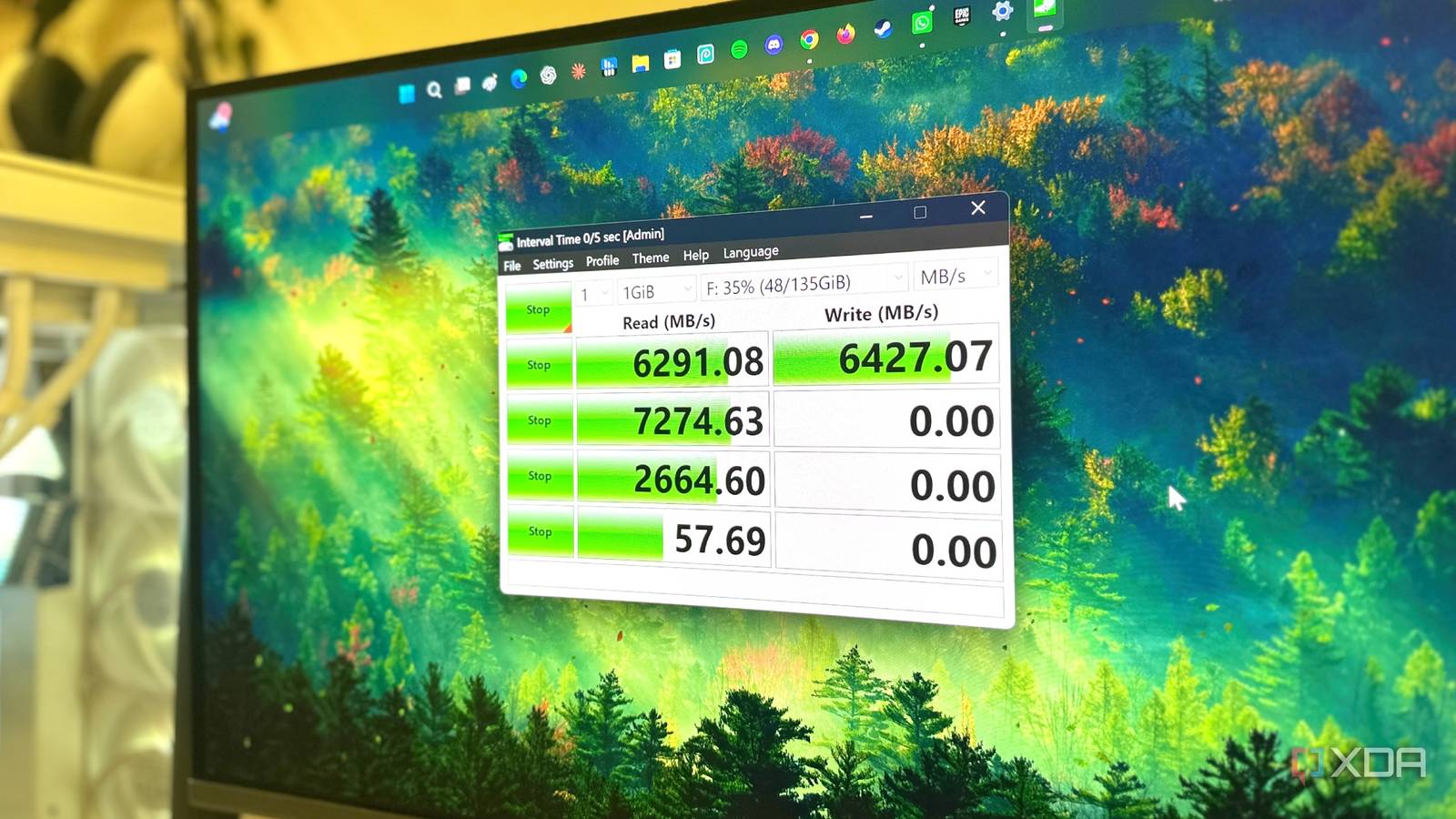
Even when your screen is locked and your fingers are idle, Windows is quietly filling your SSD with data. Background processes like indexing, telemetry, and virtual memory may seem harmless, but every write operation inches the drive closer to its finite endurance limit. For users who upgraded from HDDs to SSDs years ago, this hidden wear is often overlooked—until it’s too late.
The invisible toll on your drive’s lifespan
Modern laptops rely on NVMe SSDs for speed, but these drives have a finite number of write cycles before cells degrade. Windows contributes to this wear through routine tasks: the search indexer catalogs files, system restore points are created, and page files expand during heavy multitasking. Even hibernation files and temporary caches add up over time. While wear-leveling algorithms distribute writes evenly, the cumulative effect is unavoidable—especially on drives with low spare capacity.
What changes if you notice it early
Users rarely check SSD health until performance drops or a warning appears. Tools like CrystalDiskInfo can reveal wear indicators, but by then, some blocks may already be retired. Reducing unnecessary writes—disabling telemetry, relocating the page file, or limiting indexing—can extend lifespan, but these tweaks require technical comfort. For casual users, the simplest safeguard is choosing a drive with higher endurance ratings (measured in terabytes written) during the next upgrade.
Why it matters
This isn’t just about avoiding a premature drive failure—it’s about recognizing that SSDs, despite their speed, aren’t infinite. For businesses and power users, silent wear can disrupt workflows when drives die unexpectedly; for consumers, it’s a reminder to monitor storage health proactively. The shift to SSDs improved performance, but their longevity depends on how we use them. Ignoring background writes today could mean replacing a drive sooner than expected.
Source: XDA Developers. AI-assisted editorial synthesis — TechnoExpress.