

Build your own cloud gaming setup with Sunshine and Moonlight
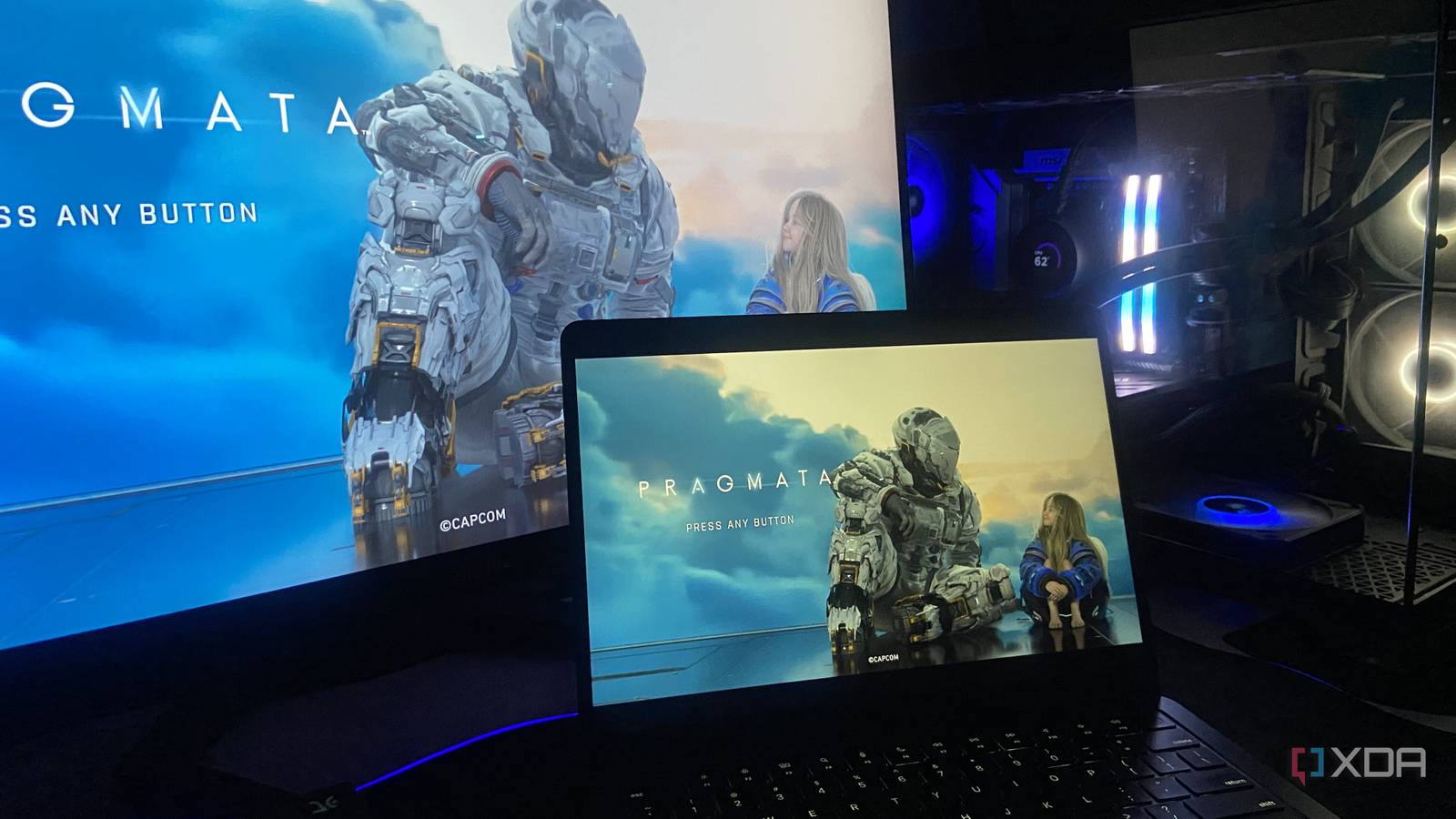
Gaming from the same desk for hours can leave you craving a change of scenery. If you’ve ever wished you could play your PC games anywhere in your home—or even outside—without lugging your entire rig, Sunshine and Moonlight offer a surprisingly simple solution. These open-source tools let you stream your games to another device, turning your powerful desktop into a personal cloud gaming server at no extra cost.
A lightweight alternative to commercial services
Sunshine is the server software that runs on your gaming PC, encoding and sending your gameplay to other devices on your local network. Moonlight is the client app that receives the stream, whether on a laptop, tablet, or even a smartphone. Unlike commercial cloud gaming platforms, this setup doesn’t require a subscription or rely on distant data centers. Instead, it uses your home network to deliver low-latency, high-quality streams—ideal for fast-paced action games. The best part? Both tools are free and community-driven, with active development and regular updates.
Flexibility beyond the desk
One of the biggest advantages of this DIY approach is freedom. Want to play in bed, on the couch, or even in the backyard? As long as your device and network can handle the stream, your gaming sessions can follow you. The setup also preserves your existing game library and settings since everything runs locally. That means no compromises on performance or control—just a more adaptable way to enjoy your favorite titles.
For those tired of being tethered to a single spot, Sunshine and Moonlight provide a practical, cost-effective way to untether gaming from the desk. It won’t replace every commercial cloud gaming service, but for anyone with a capable PC and a reliable network, it’s a compelling alternative worth trying.
Source: XDA Developers. AI-assisted editorial synthesis — TechnoExpress.