

Hidden GPU features that can transform your gaming
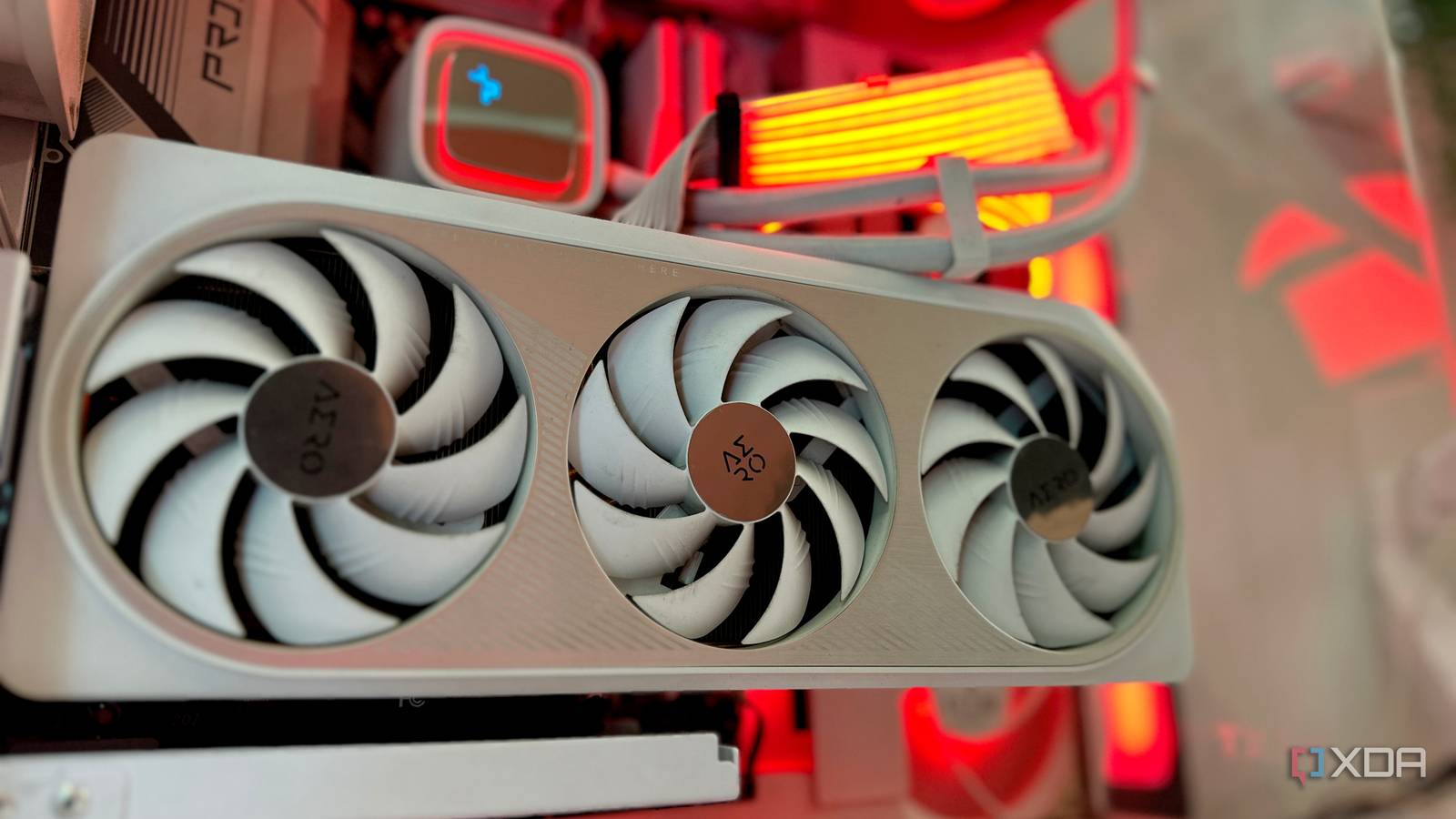
A surprising number of PC gamers are leaving performance and visual upgrades untapped on the table—sometimes for years—simply because they never look beyond the basic graphics settings menu. With Nvidia still dominating the GPU market in 2026, advanced features like DLSS, Reflex, and Image Scaling are often overlooked, even though they can dramatically alter how games look and run.
Beyond the basics: what you might be missing
Most players adjust resolution, shadows, and anti-aliasing, but features tucked away in Nvidia’s control panel or game settings can unlock smoother gameplay and sharper visuals. For example, enabling Nvidia Image Scaling (NIS) can deliver a performance boost in supported titles without a noticeable drop in quality, while DLSS leverages AI to upscale lower resolutions for higher frame rates. Similarly, Reflex reduces input lag, giving competitive players a subtle but meaningful edge. These tools aren’t new, but they remain underused because they’re not always enabled by default or clearly explained in-game.
Why these features matter more than ever
As games push higher resolutions and frame rates, the gap between capable hardware and optimized settings widens. A mid-range GPU running at 1440p might struggle in demanding titles, but activating DLSS 3—where supported—can make the difference between a stuttering experience and one that feels fluid. Even casual gamers benefit from Image Scaling, which can smooth out performance dips without requiring a costly upgrade. For esports competitors, Reflex is now a standard expectation, reducing latency in fast-paced shooters where every millisecond counts.
Why it matters
These features aren’t just technical checkboxes—they represent a low-effort way to future-proof your setup without spending money. Ignoring them means leaving up to 30% of your GPU’s potential untapped in supported games, based on third-party benchmarks. For the average gamer, enabling DLSS or Image Scaling can mean the difference between a playable and an unplayable experience at higher settings. The real takeaway? A few minutes in the control panel could redefine what your PC is capable of—no new hardware required.
Source: XDA Developers. AI-assisted editorial synthesis — TechnoExpress.