

Jellyfin’s embedded title quirk: when metadata backfires
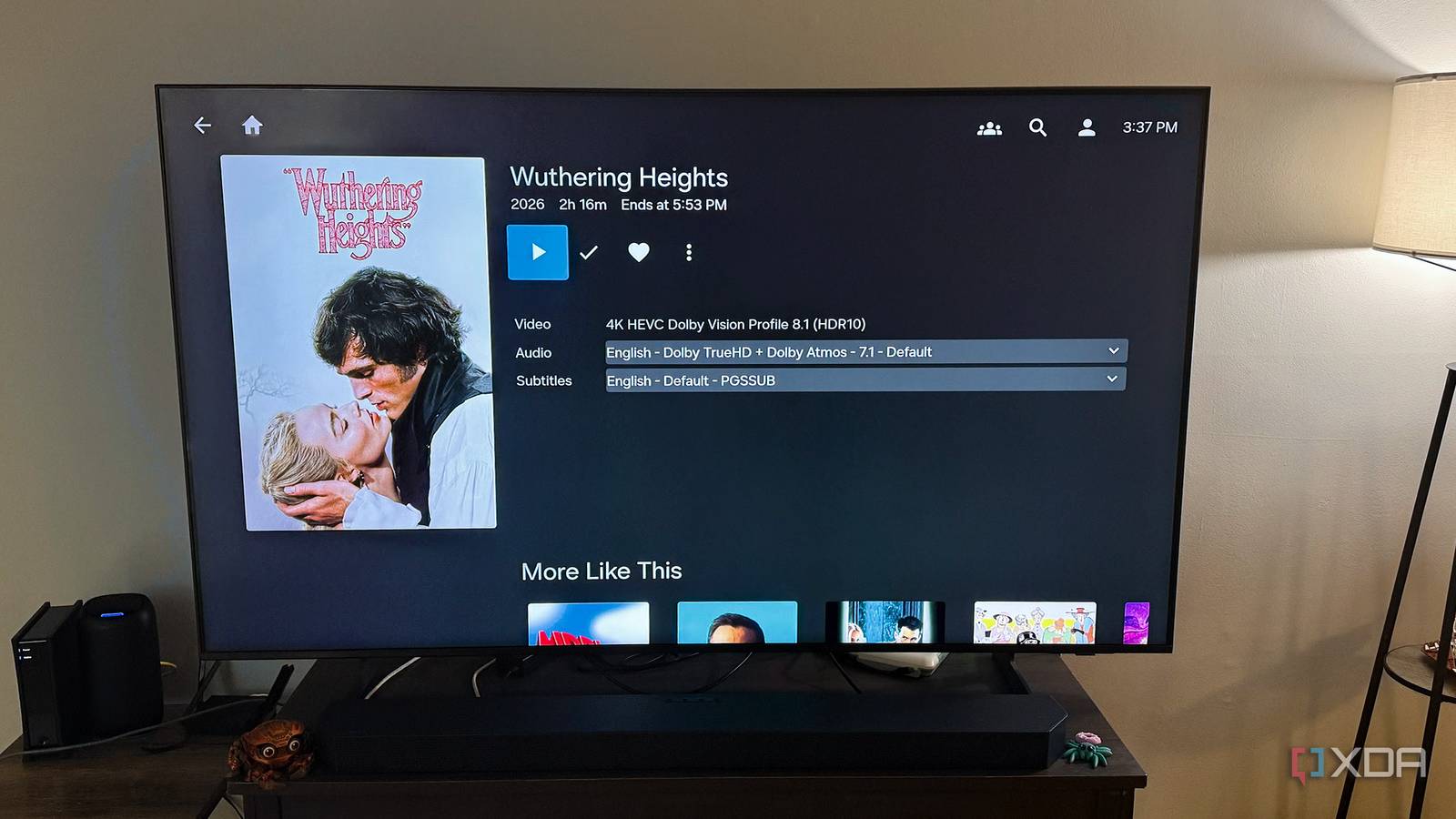
Jellyfin promises to turn a chaotic folder of videos and music into a sleek, navigable library. Yet one quiet setting can undermine that promise before you even notice. When enabled, the server’s automatic embedded title feature silently rewrites filenames and metadata using the embedded tags in media files, often replacing carefully curated names with generic or incorrect ones.
The hidden side of convenience
Embedded titles can simplify browsing for users who rely on default naming, but they introduce inconsistency for anyone who has spent time organizing their collection. A folder named “2024 Summer Vacation” might suddenly display a clip labeled by the camera’s internal timestamp instead. For libraries with mixed sources—home videos alongside downloaded series—the result is a mishmash of formats that erodes the user experience Jellyfin aims to provide.
Why it happens—and how to fix it
The behavior stems from Jellyfin’s metadata parser prioritizing embedded content over user-defined titles. While useful for quick setup, it can override intentional naming conventions. Users can disable the feature in the metadata settings, but the option is buried under advanced preferences, making it easy to overlook. Once aware, restoring order requires manually re-editing entries or rebuilding the library with the setting turned off.
Jellyfin’s flexibility is its strength, yet this subtle default can frustrate those who value consistency. A quick settings check now could save hours of cleanup later.
Source: XDA Developers. AI-assisted editorial synthesis — TechnoExpress.