

The one Nvidia setting that sharpens every DLSS game
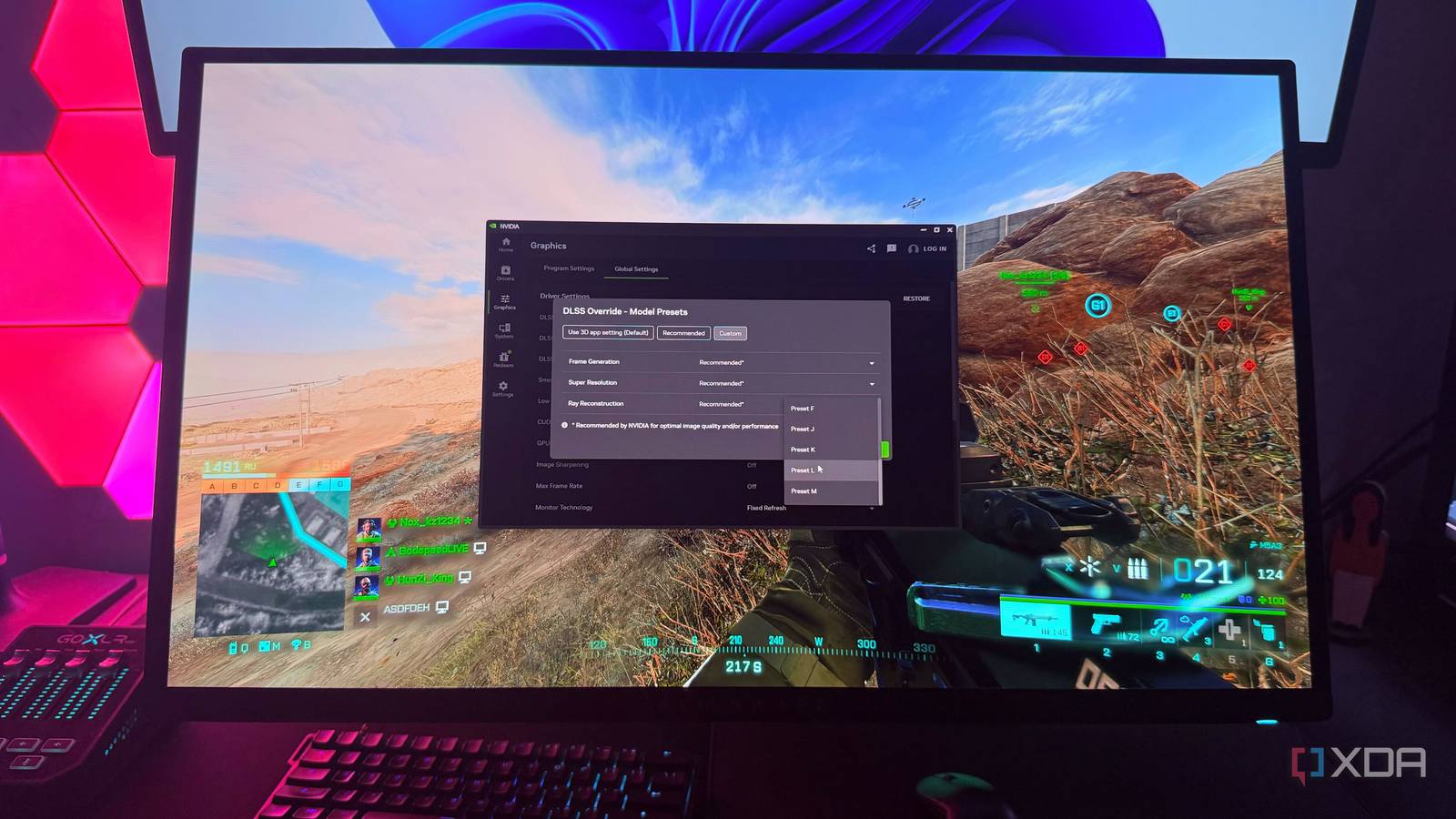
Games with DLSS haven’t always looked their best—until now. A recent experiment shows that a single adjustment in the Nvidia App can deliver noticeably sharper visuals across every DLSS-supported title, without ever opening an in-game menu.
Beyond the game settings
The Nvidia App has long been treated as just another driver updater, but it now hosts a hidden slider for DLSS sharpening. Traditionally, gamers relied on in-game DLSS toggles, which often varied by developer and could miss out on the latest upscaling enhancements. By moving the sharpening control to a system-wide setting, Nvidia ensures a consistent baseline quality across all supported games.
Why developers should take note
Titles like Assassin’s Creed Shadows launched with older DLSS versions, leaving some users with softer visuals even on high-end GPUs. The new Nvidia App setting bridges that gap by applying the latest sharpening algorithms retroactively. While this doesn’t upgrade the underlying DLSS version, it does optimize how the existing one renders, making older implementations feel more modern.
Why it matters
For gamers, this change means fewer tweaks and more consistent quality, especially in back-catalog titles. For developers, it highlights the value of system-level controls in maintaining visual fidelity. Ultimately, Nvidia is shifting the burden of fine-tuning from users to its own software stack—potentially setting a new standard for upscaling across the industry.
Source: XDA Developers. AI-assisted editorial synthesis — TechnoExpress.