

Samsung’s One UI settings secretly draining your battery
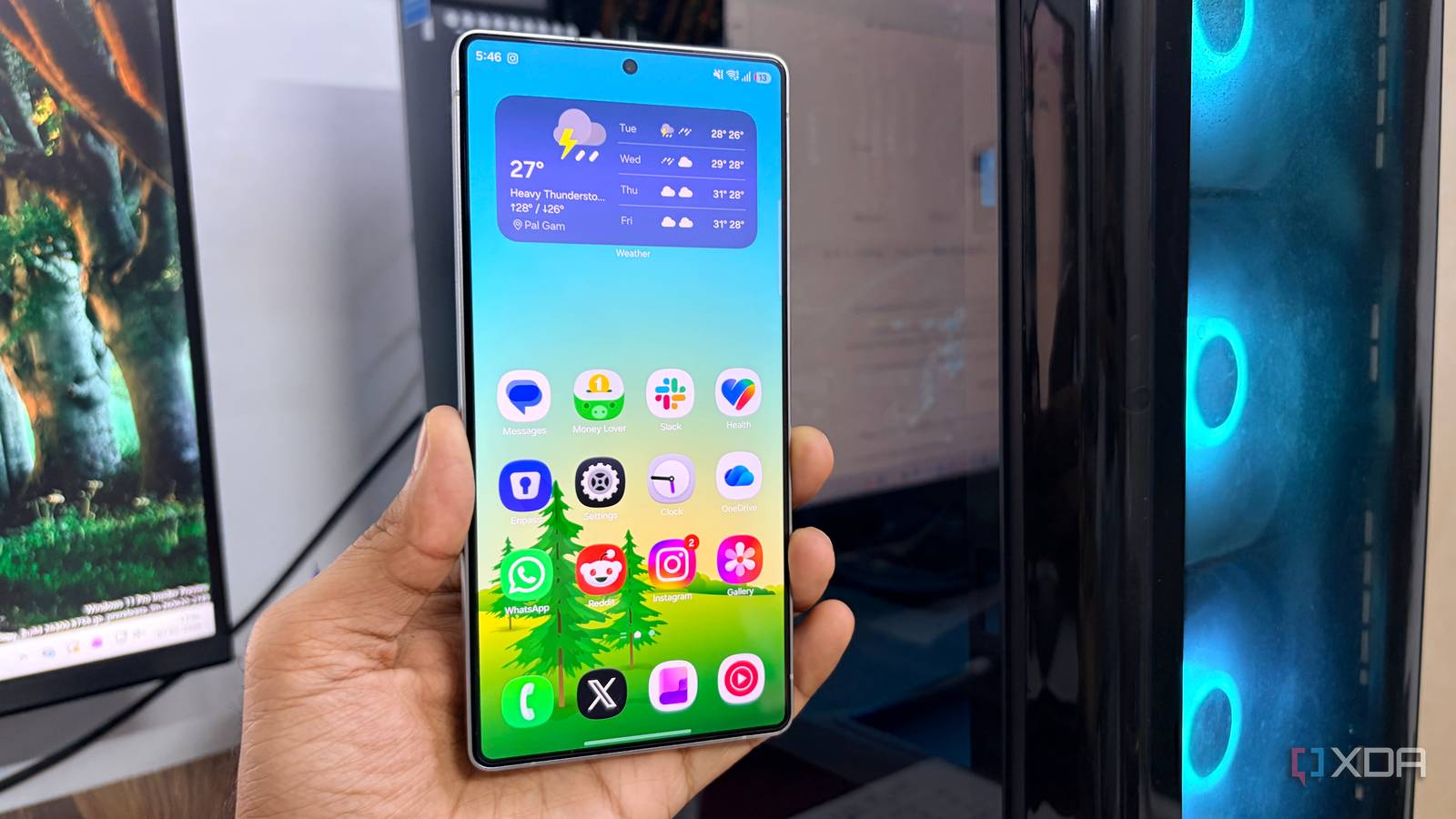
Samsung’s One UI has quietly become one of the most polished Android skins, but behind its polished interface lurks a hidden battery drainer. After years of using One UI on a Galaxy S21 FE, I noticed my 4500 mAh battery loses charge faster than expected for the hardware. The culprit isn’t the hardware itself but a handful of features that keep running in the background, sipping power without the user’s knowledge.
When customization comes at a cost
One UI prioritizes customization and background activity to deliver a seamless experience, yet some toggles introduce unnecessary drain. Samsung’s aggressive push for syncing, animations, and always-on display enhancements can overwork the system even when the phone sits idle. Users who prefer raw performance over visual flair may find these settings counterproductive, especially on mid-range devices where hardware headroom is limited.
The six switches worth flipping
Based on long-term testing, disabling specific One UI features can reclaim meaningful battery life without sacrificing core functionality. Among the biggest offenders are the “Adaptive battery” learning mode, background app auto-restart policies, and unnecessary location history tracking. Samsung’s “Motions and gestures” animations and the “Always-on Display” scheduled timing also contribute to the drain. Turning off these toggles in Settings > Device Care > Battery and Settings > Advanced features can reduce background workload and extend daily usage by up to a few hours on devices like the Galaxy S21 FE.
A balancing act between convenience and endurance
The trade-off is clear: fine-tuning One UI can restore battery life, but some conveniences vanish along the way. Users who rely on Samsung’s ecosystem—smart home integration, quick sharing, or Knox security—may hesitate before switching off every background feature. Ultimately, the choice depends on priorities: a flashy interface or a device that lasts until evening.
Why it matters
For Samsung owners, small software tweaks can transform a phone that needs midday charging into one that comfortably lasts the full day. These optimizations matter most on mid-range hardware where battery capacity is already modest. For the broader Android ecosystem, the lesson is that aggressive background activity—even in polished skins—can outweigh hardware limitations. A few minutes spent in settings can reveal real-world gains that no hardware upgrade can match.
Source: XDA Developers. AI-assisted editorial synthesis — TechnoExpress.