

Self-hosted apps that power a 24/7 mini PC home lab
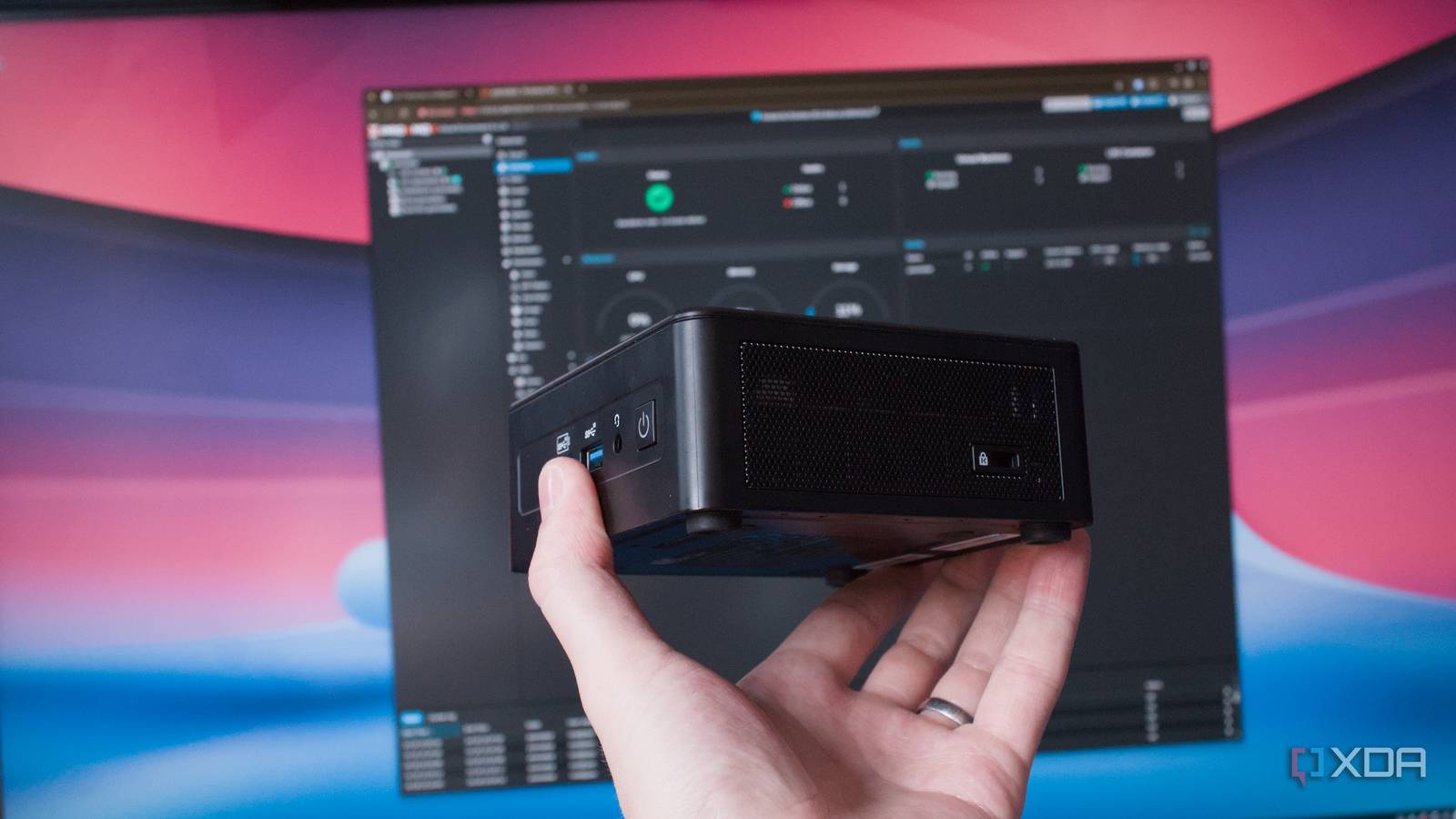
A developer is running six self-hosted apps around the clock on a cheap mini PC, turning it into a reliable home lab for experiments and development. The setup doesn’t require expensive server hardware: a compact mini PC is enough when paired with the right containers.
Keeping services alive with minimal hardware
Mini PCs offer low power draw and small footprints, making them attractive for 24/7 workloads. By containerizing the chosen services, the developer avoids heavy OS overhead and streamlines updates. Docker or Podman images handle dependencies, so the system stays lean and manageable even on modest hardware. The key is selecting apps that start automatically and recover gracefully after reboots.
Six essential picks for a nonstop home lab
The shortlist includes tools the developer trusts to run indefinitely: a reverse proxy, a dynamic DNS updater, a media server, a file synchronization service, a lightweight database, and a monitoring dashboard. Each container is configured to launch at boot and persist across reboots, ensuring continuous availability without manual intervention. When combined, they transform a $200–$300 mini PC into a versatile server that handles everything from backups to entertainment.
Why it matters
For individuals and small teams, a $300 mini PC running self-hosted software can replace multiple cloud services and dedicated appliances. It slashes monthly costs, keeps data under local control, and supports experimentation without risking production systems. The approach also reduces e-waste by extending the life of inexpensive hardware. In short, a well-chosen stack of self-hosted containers turns a budget box into a resilient home lab that’s always on.
Source: XDA Developers. AI-assisted editorial synthesis — TechnoExpress.